Iphone Setting For Car Sickness: Tips To Reduce Nausea
**Adjust your iPhone settings to reduce car sickness easily.** Lowering brightness, enabling dark mode, and turning on focus or do not disturb features helps…
**Adjust your iPhone settings to reduce car sickness easily.** Lowering brightness, enabling dark mode, and turning on focus or do not disturb features helps…
If you feel dizzy or nauseous when using your iPhone, adjusting the motion settings can help. **Turning off or reducing motion on your iPhone…
A secret iPhone setting every owner should know is hiding in the Accessibility options, making your device easier to use instantly. If you want…
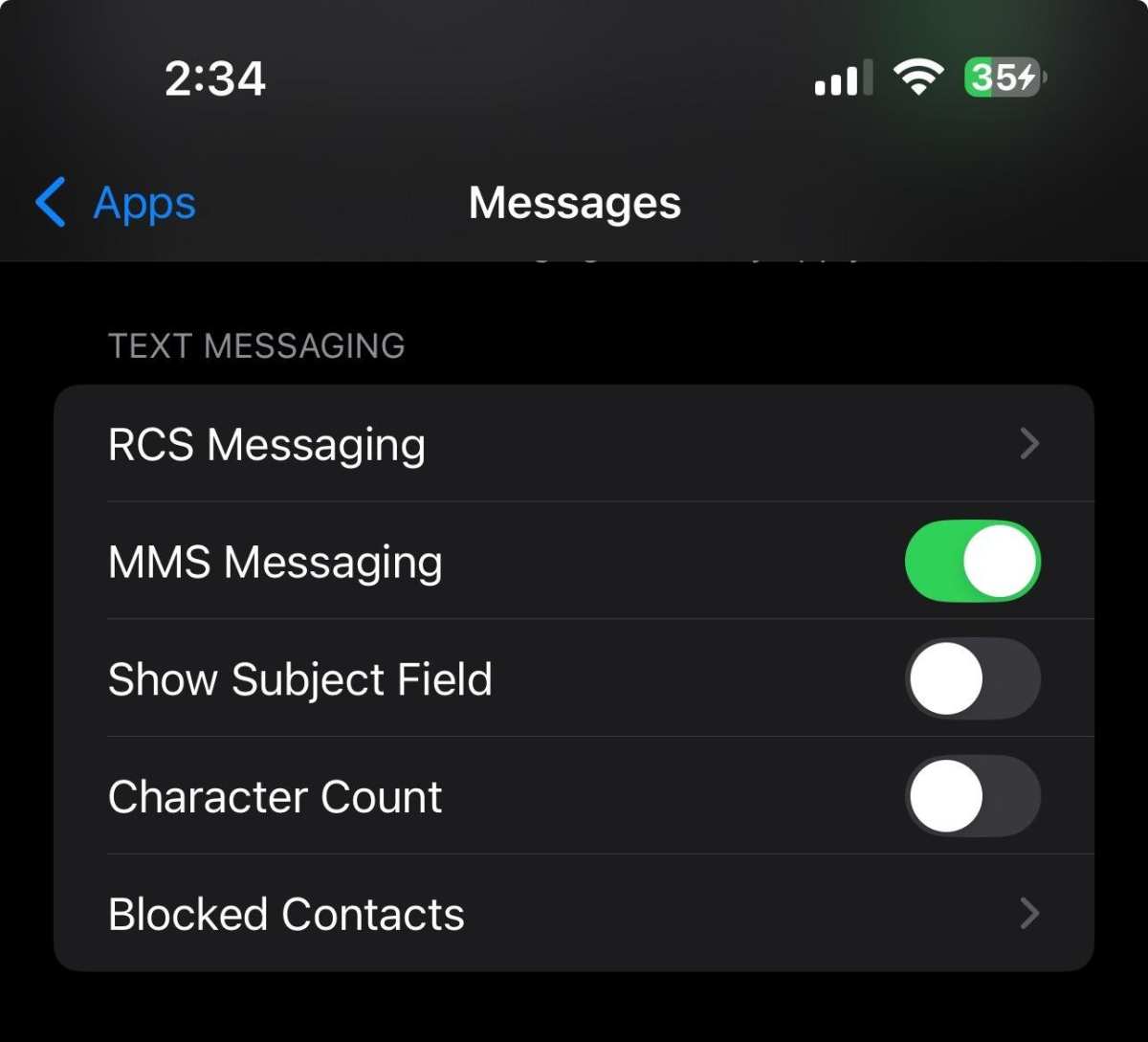
To set up RCS iPhone settings, simply go to your Messages app, tap on Settings, and enable Chat features. **This will allow you to…
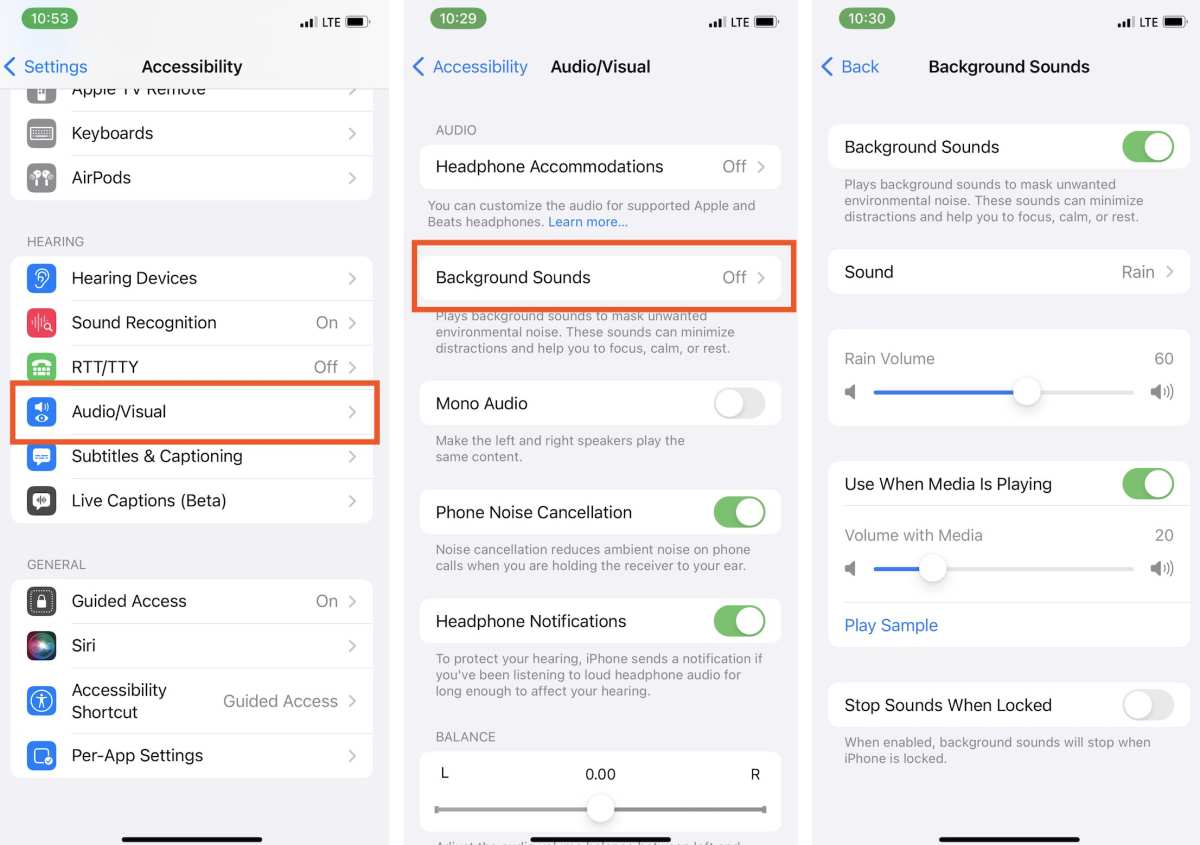
To set white noise on your iPhone, simply open the Clock app, tap the Sleep tab, and select the Sounds option. **Yes, adjusting your…
**To adjust your emergency alert iPhone setting, simply go to Settings, then Notifications, and toggle Emergency Alerts.** This quick step ensures you’re always informed…
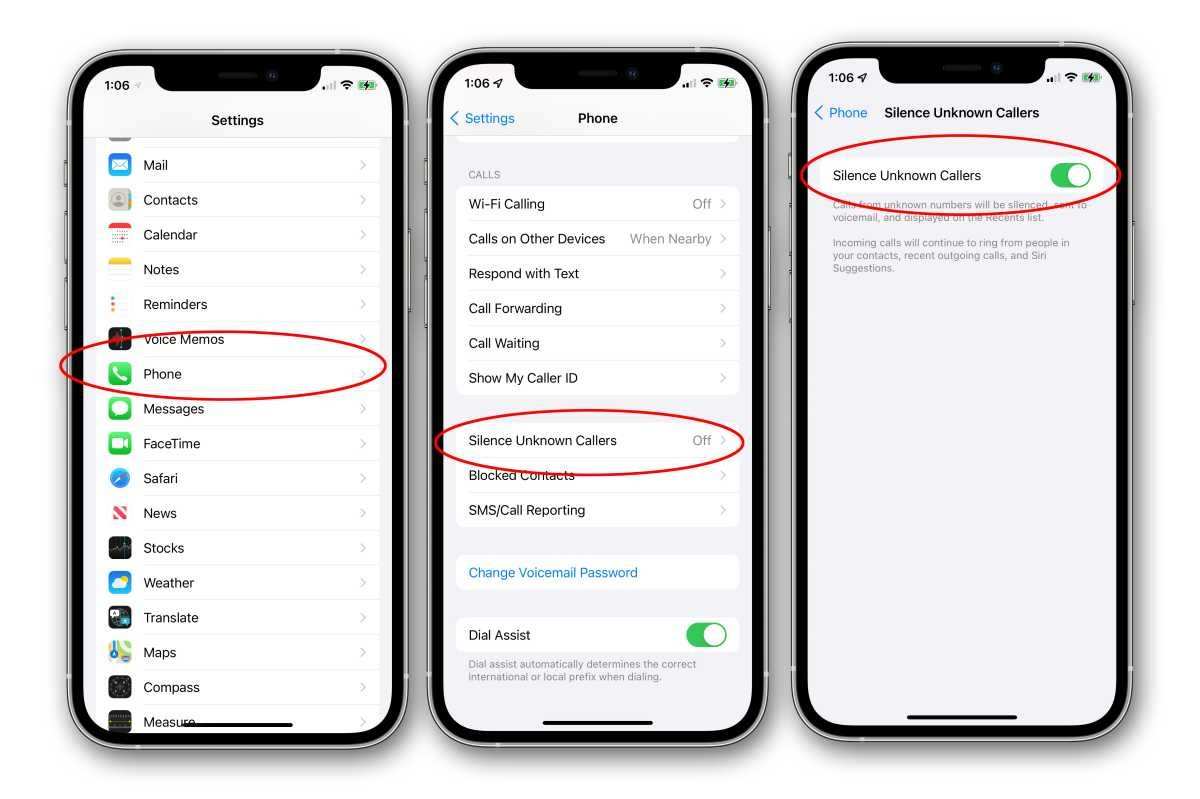
To block spam calls on your iPhone, simply enable the built-in features designed for this purpose. **Adjust your settings to filter unknown callers or…
If you’re looking to reduce surrounding noise with your iPhone, the solution is simple. **The noise cancelling iPhone setting effectively blocks out ambient sounds.**…
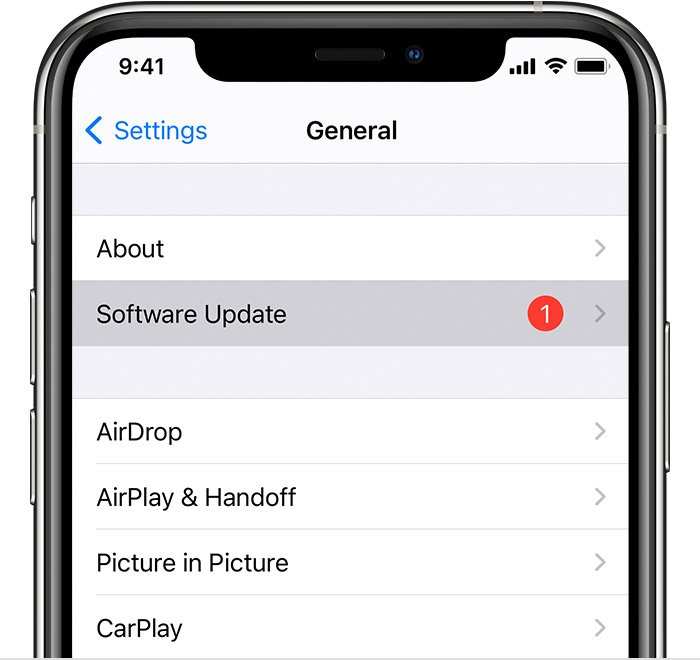
To quickly update your iPhone settings, just go to Settings > General > Software Update, and tap Download and Install. This simple step ensures…