

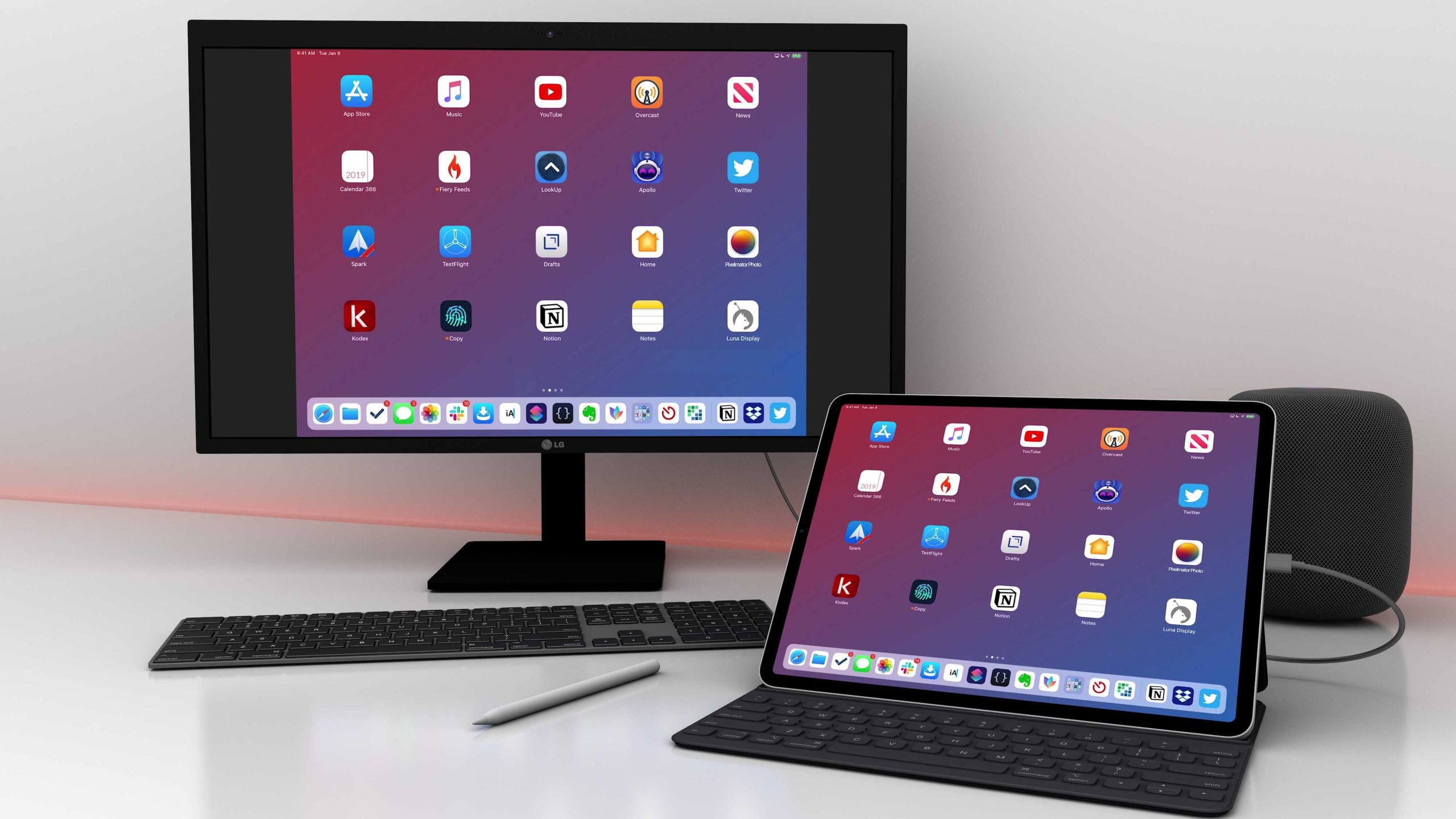
Yes, you can definitely use an iPad for 7 years with proper care. While the device can last that long, its performance and battery life may decline over time, requiring some upkeep or eventual replacement. Regular maintenance and cautious handling can extend your iPad’s usability for many years.
If you’re wondering whether an iPad can serve you well for seven years, the answer depends on how you treat it. Apple devices are built to last, but aging batteries and slower software updates might affect performance over time. With diligent care, timely updates, and maybe replacing the battery down the line, your iPad can remain a useful tool for many years to come. It’s about ensuring proper maintenance and realistic expectations for longevity.
Using an iPad for seven years is absolutely possible, especially if you take good care of it. The key factors are maintaining the battery, keeping the software updated, and avoiding accidental damage. While technology advances rapidly, a well-maintained iPad can still be functional and useful for a long time, making it a worthwhile investment even beyond its initial years of use.

Can I use iPad for 7 years?
Understanding the Lifespan of an iPad
An iPad can often last for several years with proper care, but seven years is a long time in the tech world. Most iPads receive software updates for about 4 to 6 years after their release. After that, they may become less compatible with new apps and features.
Factors That Affect How Long an iPad Lasts
The longevity of an iPad depends on several factors. These include how you use it, how often you update the software, and how well you maintain the device. Heavy use, exposure to extreme temperatures, and accidental drops can shorten its lifespan.
Hardware Durability and Wear and Tear
Over time, hardware components like the battery, screen, and buttons can wear out. The battery is often the first part to show signs of aging, leading to shorter usage time between charges. Cracks or scratches on the screen can also make using the device uncomfortable.
Battery Life and Its Impact on Usage
Battery health declines naturally over time. After about 500 full charge cycles, an iPad’s battery capacity may drop to 80% of its original. This reduction means shorter periods of usability without charging, which can be frustrating after several years.
Software Support and Updates
Apple offers software updates for a limited number of years after a device’s release. Older iPads may stop receiving these updates, which can affect security and compatibility. Up-to-date software is essential for optimal performance and security.
Can You Extend the Life of an iPad?
Yes, you can prolong your iPad’s usability with certain steps. Regularly updating software, avoiding extreme conditions, and taking care of the device can make it last longer. Replacing the battery through Apple or a certified service provider can also extend its lifespan.
Maintenance Tips to Keep Your iPad Going
- Use a protective case to prevent physical damage
- Avoid exposing it to excessive heat or moisture
- Charge it properly without letting the battery completely drain frequently
- Perform software updates when available
- Clean the device regularly to prevent dust from causing issues
Replacing Parts Instead of the Entire Device
If your iPad’s battery or screen fails, replacing those parts can give your device a new lease on life. Many Apple stores and certified repair shops offer affordable repair services. This approach can be more cost-effective than buying a new device.
Signs You Might Need a New iPad
Eventually, your iPad might become too slow or incompatible with new apps. If repairs cost more than half the price of a new device, or if it no longer meets your needs, upgrading could be the better choice. Hardware failures that can’t be fixed are also reasons to replace.
Is Using an iPad for Seven Years Practical?
While technically possible, using an iPad for seven years requires good maintenance and some patience. As hardware ages, performance may decline, and parts might need replacing. Planning for eventual upgrades ensures you stay connected and secure.
Summary of Key Points
| Factor | Impact on Longevity |
|---|---|
| Battery health | Declines after 500 charge cycles; may need replacement |
| Software updates | Discontinued support limits performance and security |
| Physical damage | Cracks or water damage shorten lifespan |
| Usage habits | Heavy use and poor maintenance reduce device life |
Related Topics to Consider
- Best practices for maintaining older iPads
- How to identify when it’s time to upgrade your device
- Cost comparison: repairing versus replacing an iPad
- Top accessories to extend the life of your iPad
- Differences between various iPad models and their longevity
Using an iPad for seven years is possible if you take good care of it and are ready to perform upgrades like replacing the battery. However, as the device ages, you might face performance issues or compatibility constraints. Carefully weighing repair costs against buying a new device will help you decide what’s best for your needs. Proper maintenance and timely repairs can maximize your iPad’s lifespan and keep it functioning well for years to come.
Frequently Asked Questions
How long can I expect an iPad to function effectively with proper maintenance?
If you take good care of your iPad, it can remain functional and perform well for up to 5 to 6 years. Regular updates, careful handling, and avoiding physical damage help extend its useful life. Over time, hardware components may become outdated, but software updates can keep the device running smoothly for several years.
Are older iPad models still suitable for daily tasks after several years?
Many older iPad models can still handle basic tasks like browsing the internet, using apps, and streaming videos. However, as newer software updates demand more processing power, some apps or features might not work optimally in later years. Upgrading to a newer model can enhance performance if you rely heavily on newer applications or features.
What factors influence the longevity of an iPad?
The lifespan of an iPad depends on how often you use it, how well you care for it, and whether you keep it updated with the latest software. Factors such as battery health, hardware condition, and compatibility with current apps all play roles. Proper maintenance, avoiding extreme temperatures, and replacing the battery when needed can help your iPad last longer.
Can software updates help extend the usability of an older iPad?
Yes, software updates often include security patches, bug fixes, and performance improvements that help keep your device functioning smoothly. However, as hardware ages, some updates may strain older components, and eventually, older models might no longer receive support. Regular updates can maximize the lifespan, but hardware limitations set practical limits.
Is it worth replacing an iPad that’s over 7 years old?
If your iPad no longer supports the latest software, experiences significant performance issues, or fails to meet your needs, replacing it may be a better choice. Older devices may not keep up with modern apps or security standards, making a newer model a more practical investment for reliable use.
Final Thoughts
Using an iPad for 7 years is possible if you maintain it well and stay current with software updates. Proper care, such as replacing batteries and cleaning, can extend its lifespan.
While technology evolves rapidly, a well-maintained iPad can remain functional for years.
Can I use iPad for 7 years? Yes, with proper upkeep, it is feasible to use an iPad for that duration and beyond.
