

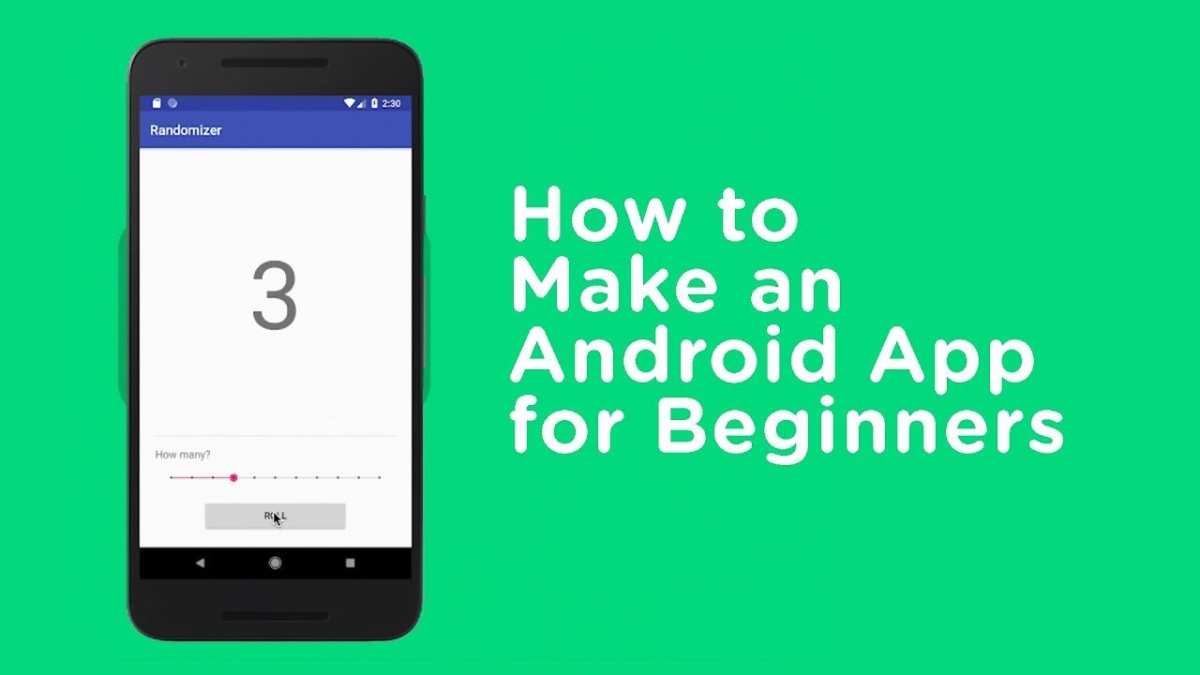
Making an android app is simpler than most imagine. **You can create one with little more than basic coding knowledge and the right tools.** The process involves straightforward steps, and many platforms now offer drag-and-drop options to get started quickly.
So, how easy is it to make an android app? With a bit of guidance, anyone can build a functional app in a short time, making app development more accessible than ever.

How Easy Is It to Make an Android App?
Making an Android app might seem like a big project, but it doesn’t have to be complicated. In fact, many people with little coding experience can create their own apps. The process has become more straightforward because of friendly tools and helpful resources. Let’s explore how easy it really is to develop an Android app and what steps you need to take to get started.
Understanding the Basics of Android App Development
Before diving into making an app, it helps to understand what Android app development involves. At its core, developing an Android app means creating a software program that can run on Android smartphones and tablets. These apps can do everything from displaying information to playing games or helping users complete tasks.
Several key components make up Android app development:
- Programming Languages: Java and Kotlin are the main languages used to write Android apps. Kotlin is newer and easier to learn for beginners.
- Development Environment: Android Studio is the official tool for creating Android apps. It’s free and offers many features to help you build apps easily.
- Design: Crafting the look and feel of your app, including buttons, menus, and screens.
- Testing: Making sure your app works well on different devices and fixing any bugs.
Understanding these basics will help you see that the process has a clear path, even for beginners.
Tools and Resources That Make App Building Easier
Many user-friendly tools and resources are available today to greatly simplify app development:
Android Studio
Android Studio is the official integrated development environment (IDE) provided by Google. It offers visual tools to design screens and a code editor that highlights errors as you type. It has drag-and-drop features for designing interfaces, which are especially helpful if you’re just starting out.
App Builders for Beginners
If coding seems intimidating, you can use app builder platforms like Thunkable, Appy Pie, or MIT App Inventor. These tools allow you to design apps using visual interfaces, with little to no coding required.
Online Tutorials and Courses
There are countless free and paid tutorials online. Websites like Udemy, Coursera, and YouTube offer step-by-step guides that walk you through creating your first app.
Sample Projects and Templates
Many platforms provide pre-made templates or sample projects. These can give you a starting point, so you don’t have to build everything from scratch.
Step-by-Step Process to Make an Android App
While the full process can be detailed, here’s a simplified overview that shows just how manageable creating an app can be:
Plan Your App
Start by deciding what your app will do. Write down the main features and how you want it to look.
Create the User Interface
Using Android Studio’s visual tools or an app builder, design your app’s screens. Drag and drop elements like buttons, text boxes, and images to shape your app’s appearance.
Write the Code
Add simple code to make your app interactive. For example, when users tap a button, something should happen. If you’re using visual builders, this step is often simplified or automated.
Test Your App
Run your app on an emulator or an actual Android device. Check if everything works as planned. Fix any issues you find.
Publish Your App
Once your app is ready, you can upload it to the Google Play Store. Follow the guidelines provided by Google, and your app can be available for others to download.
Is Making an Android App Suitable for Beginners?
Absolutely! Many newcomers find the learning curve manageable, thanks to the many resources available:
- Low-cost or free tools make starting affordable.
- Step-by-step tutorials guide you through the process.
- Community forums offer support and answers to common questions.
Even if you have no prior programming experience, you can create simple apps and gradually learn more complex features over time.
Common Challenges and How to Overcome Them
While making an Android app is easier than ever, it’s helpful to be aware of potential hurdles:
Learning Programming Basics
Some new developers feel overwhelmed by coding. To overcome this, start with beginner tutorials, use visual app builders, and practice small projects.
Designing Attractive Apps
Creating appealing interfaces can seem tricky, but tools like Android Studio’s layout editor simplify visual design. Study popular apps to understand good design principles.
Testing on Different Devices
Android devices vary in size and capabilities. Use emulators and test on real devices when possible. This step ensures your app works well everywhere.
Managing App Size and Performance
Keep your app lean by avoiding unnecessary features. Optimize images and code for smooth performance.
How Long Does It Take to Make an Android App?
The time varies based on your app’s complexity and your experience. A simple app with few features might take a few days or weeks. More complex apps can take months, but the process becomes easier with practice.
Summing It Up
Creating an Android app today is within reach for many people, thanks to user-friendly tools, abundant resources, and step-by-step guidance. Whether you want to develop a simple calculator or a more involved game, the process is clear and manageable. With patience and practice, you can build a functional app that others can enjoy. Remember, starting small and gradually learning more will make the journey enjoyable and rewarding.
Frequently Asked Questions
What skills are necessary to develop an Android application?
To develop an Android application, you should have a basic understanding of programming languages like Java or Kotlin. Familiarity with Android Studio, the official IDE for Android development, is also essential. Additionally, knowledge of user interface design principles and experience with XML for layout creation can significantly improve the app development process.
How long does it typically take to create a simple Android app?
The duration to develop a simple Android app depends on your experience and the app’s complexity. For someone familiar with Android development, creating a basic app may take a few days to a week. Beginners might need more time to learn the tools and complete the app, which could extend the process to several weeks.
Are there any tools that make Android app development easier for beginners?
Yes, several tools assist beginners in Android app development. Android Studio provides a beginner-friendly environment with built-in templates and drag-and-drop features. Platforms like MIT App Inventor and Thunkable also offer visual programming interfaces, enabling users to create apps without extensive coding knowledge.
Can I test my Android app without deploying it to a device?
Absolutely. Android Studio offers an emulator that simulates various Android devices on your computer. This allows you to test your app’s functionality and layout without needing an actual device. You can also connect your smartphone via USB and enable developer options to run and debug your app directly on your device.
What challenges might I face when developing my first Android app?
New developers often encounter challenges such as understanding the Android lifecycle, managing different device screen sizes, and troubleshooting bugs. Additionally, optimizing app performance and ensuring compatibility across various Android versions can be complex tasks. Overcoming these challenges requires patience, practice, and consulting available resources or community forums.
Final Thoughts
La création d’une application Android est plus accessible que jamais grâce aux nombreux outils et ressources disponibles. Les plateformes conviviales permettent de concevoir des applications sans compétences approfondies en programmation.
Avec une planification claire et l’utilisation des bons outils, le processus devient simple et direct.
En résumé, how easy is it to make an android app? La réponse est qu’il est désormais à la portée de beaucoup pour réaliser leur projet rapidement et efficacement.
