

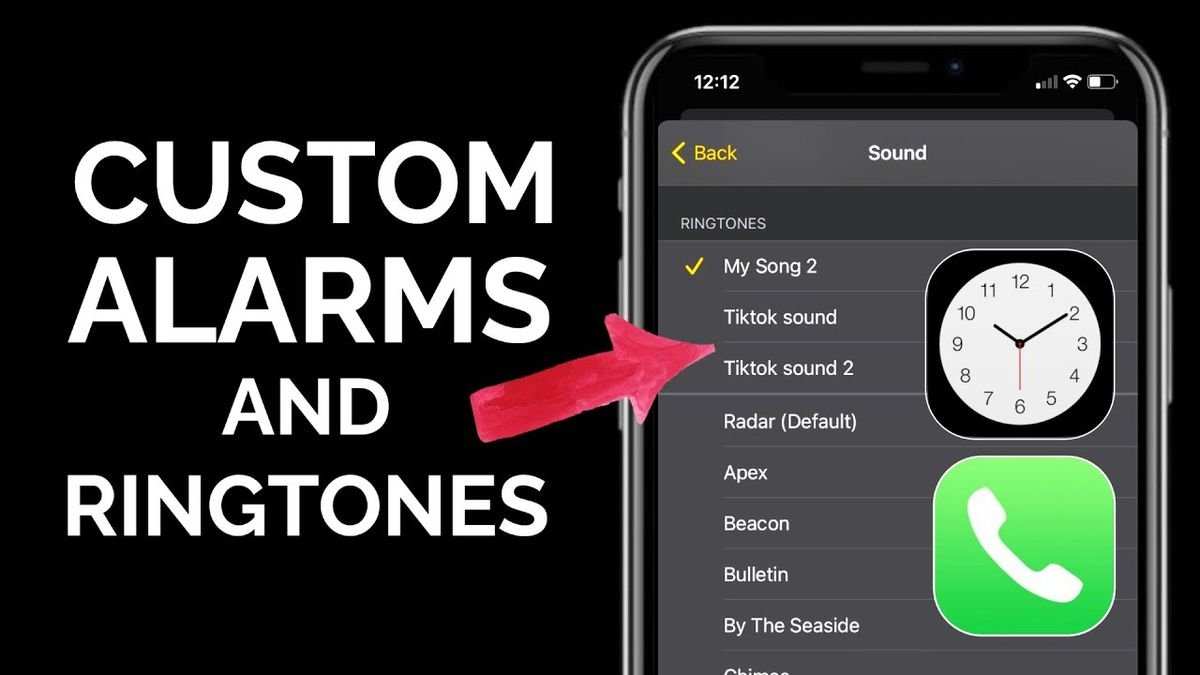
To turn a TikTok sound into a ringtone on Android, you just need a few simple steps. **Download the TikTok sound clip and use a ringtone maker app to set it as your notification.** If you’re wondering how to make TikTok sound into ringtone android, it’s easier than you think.
First, save the TikTok audio to your device. Then, open a ringtone editing app, import the sound, and cut it to your preferred length. Finally, set it as your ringtone and enjoy your custom tone every time your phone rings.

How to Make TikTok Sound into Ringtone on Android
Creating a personalized ringtone from TikTok sounds can be a fun way to make your phone more unique. Many users love the catchy tunes, funny clips, or viral sounds from TikTok, and turning these into ringtones allows you to hear your favorite moments whenever your phone rings. If you’re wondering how to do this on your Android device, don’t worry—this guide will walk you through each step with clear instructions, tips, and helpful tools so you can enjoy your favorite TikTok sounds as your ringtone.
Understanding Why You Want TikTok Sounds as Ringtones
Before diving into the how-to, let’s talk about why turning TikTok sounds into ringtones is a great idea:
- Personalization: Make your phone stand out with sounds that reflect your personality or interests.
- Fun and Unique: Use viral TikTok clips or catchy phrases that make your phone calls more entertaining.
- Memorable: Pick sounds that remind you of specific moments or friends.
Transforming TikTok sounds into ringtones allows you to enjoy a wide variety of audio clips, from trending songs to humorous snippets, right at your fingertips.
Getting the TikTok Sound You Want
The first step in making a TikTok sound into a ringtone is selecting the right audio clip. Here’s what you need to do:
Find the Sound on TikTok
– **Browse the app:** Open TikTok and explore trending videos or search for specific sounds using keywords.
– **Use the sound library:** When you find a video with a sound you like, tap on the sound icon at the bottom of the screen. This opens the sound’s page with other videos using the same clip.
– **Listen carefully:** Choose a sound that’s clear and short enough to work well as a ringtone.
Check the Sound’s Popularity and Usage Rights
– Be sure the sound is popular but also appropriate for personal use.
– Remember that some sounds may have copyrights or restrictions, so stick to clips that you can legally use as a ringtone.
Downloading TikTok Sounds to Your Device
Once you identify the perfect sound, you need to download it to your phone. Since TikTok doesn’t allow direct downloads of sounds, you will need third-party tools or apps.
Using TikTok Downloaders
– Search for trusted TikTok downloader websites or apps like **SaveTik**, **MusicallyDown**, or **TTDownloader**.
– Copy the link of the TikTok video containing the sound:
– Tap the share button on the TikTok video.
– Select “Copy link.”
– Paste the link into the downloader tool.
– Choose the option to download the audio or sound only.
– Save the file in your phone’s Downloads folder or a dedicated folder for easy access.
Alternative Method: Screen Recording
– If download options aren’t available, use your phone’s screen recording feature:
– Start recording before playing the TikTok sound.
– Play the video with the desired sound.
– Stop recording once the sound plays fully.
– Later, extract the audio from the recorded video using editing apps.
Editing the Sound for Ringtone Use
Most TikTok sounds are longer clips, so trimming the audio ensures your ringtone is concise and suitable.
Select an Audio Editor
Choose an app that allows simple editing, such as:
- Audacity (for PC)
- WaveEditor (Android)
- GarageBand (iOS, if you transfer files)
- MP3 Cutter and Ringtone Maker (Android)
Steps to Edit the Audio
– Import the downloaded TikTok sound into the editing app.
– Listen to the clip and identify the segment you want to use.
– Cut or trim the unwanted parts, ideally selecting 15-30 seconds for a ringtone.
– Save the trimmed audio as an MP3 or M4A file.
Tips for a Great Ringtone
– Use the most catchy or recognizable part of the sound.
– Keep it short to avoid delays or awkward cut-offs.
– Test the clip by playing it back before setting it as a ringtone.
Setting the TikTok Sound as Your Ringtone on Android
Now that you have your sound ready, it’s time to set it as your default ringtone or assign it to specific contacts.
Transfer the Edited File to the Ringtones Folder
– Use your file manager app to locate the edited sound.
– Copy or move the file to the ‘Ringtones’ folder on your device storage:
– Typically located in Internal Storage > Ringtones.
– If the folder doesn’t exist, you can create it manually.
Set the Sound as a Ringtone
– Open your device’s **Settings** app.
– Tap on **Sound & vibration** or just **Sound**.
– Select **Ringtone**.
– You will see a list of available sounds, including your custom TikTok clip.
– Tap on your imported sound to set it as your default ringtone.
Assigning a Custom Ringtone to a Contact
– Open your contacts app.
– Choose the contact you want to assign the ringtone to.
– Tap **Edit**.
– Find the **Ringtone** option.
– Select your custom TikTok sound from the list.
– Save changes.
Additional Tips for Managing Your Custom Ringtones
– Keep your ringtones organized in dedicated folders.
– Create backups of your custom sounds to prevent loss.
– Try different clips for different contacts for easy caller identification.
– Be cautious with copyright and usage rights to avoid legal issues.
Using Apps to Simplify the Process
If manual steps seem too complicated, several Android apps can help you create and set ringtones more easily.
- Zedge: Offers a vast library of ringtones and a built-in editor.
- Ringtone Maker: Allows you to cut, edit, and set ringtones directly from your device.
- Video to MP3 Converter: Extracts audio from video files, helpful if you screen record TikTok sounds.
These apps typically have user-friendly interfaces that enable you to perform all necessary steps within the app itself.
Legal and Ethical Considerations
While creating ringtones from TikTok sounds, keep in mind:
- Respect copyright laws—use sounds only for personal use.
- Avoid downloading copyrighted material without permission.
- Opt for sounds that are labeled for reuse or are royalty-free.
Following these guidelines ensures you enjoy customizing your device without any legal worries.
Summary of Key Steps
| Step | Action |
|---|---|
| Choose a sound | Find a catchy TikTok clip you like |
| Download the sound | Use a downloader or screen recording |
| Edit the clip | Trim to the desired length using an editing app |
| Transfer the file | Move the edited sound to your device’s Ringtones folder |
| Set as ringtone | Go to settings and select the sound as default or contact-specific ringtone |
By following these detailed steps, you can easily turn TikTok sounds into personalized ringtones on your Android device. Whether it’s a funny clip, a trending song, or an inspiring sound, having your favorite TikTok moments as ringtones makes every call more fun and memorable.
Remember, the process might seem long at first, but once you get the hang of it, creating custom ringtones from TikTok sounds becomes quick and simple. Enjoy customizing your phone and making it truly yours!
Frequently Asked Questions
How can I extract a TikTok sound to use as a ringtone on my Android device?
To extract a TikTok sound, first save the video to your device. Then, use a video-to-audio converter app or website to extract the audio track. Once you have the audio file, you can set it as your ringtone through your phone’s sound settings.
What steps are involved in trimming a TikTok sound for use as a ringtone on Android?
After downloading the TikTok sound, open a simple audio editing app on your Android device. Import the sound, then trim the beginning or end to your preferred segment. Save the edited file and set it as your ringtone through your device’s settings.
Are there any apps recommended for converting TikTok sounds into ringtones on Android?
Yes, apps like Ringtone Maker, MP3 Cutter, and InShot help you edit and set custom ringtones. These apps allow you to cut and save specific parts of TikTok audio files, making it easy to personalize your device.
Can I set a TikTok sound as a contact ringtone directly from my device?
Yes, after editing and saving the TikTok sound as an audio file, go to your contacts. Select a contact, choose the option to set a ringtone, and pick the TikTok sound from your saved files. This way, each contact can have a unique ringtone.
Is it possible to make a TikTok sound into a default ringtone for all calls on Android?
<
Absolutely. Save the TikTok sound as an audio file, then navigate to your device’s sound settings. Find the ringtone section, select ‘Add’ or ‘Choose a new ringtone,’ and pick your saved TikTok sound file. This will set it as the default ringtone for all incoming calls.
Final Thoughts
To make a TikTok sound into a ringtone on Android, start by downloading the TikTok video or sound using a reliable app or website. Next, trim the audio to fit your ringtone length with an audio editor. Finally, transfer the edited file to your phone and set it as your ringtone through the sound settings.
In summary, knowing how to make TikTok sound into ringtone Android involves downloading, editing, and setting the sound. Follow these steps for a personalized ringtone experience.
