Android How To Make Live Wallpaper
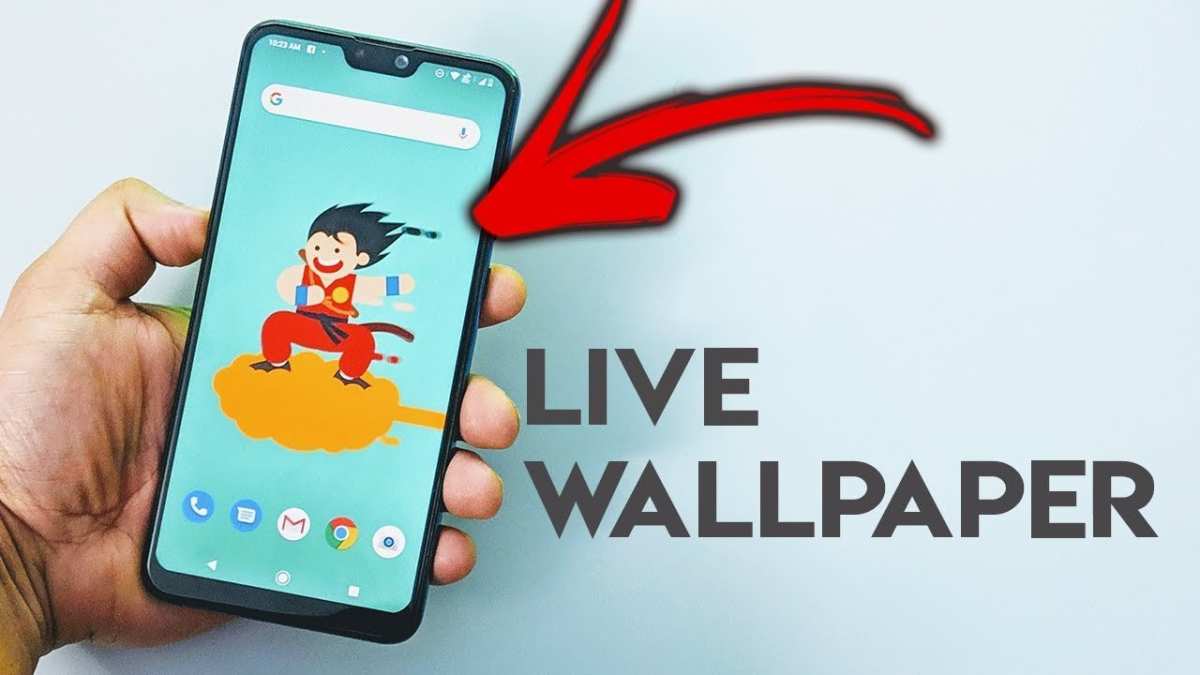

Android How to Make Live Wallpaper
Creating a custom live wallpaper for your Android device can be a fun and rewarding experience. Live wallpapers give your phone’s home screen a dynamic and personalized touch, turning a simple background into an animated or interactive display. Whether you’re a beginner or someone with a little experience in app development, this guide will walk you through the process step by step. You’ll learn what tools to use, how to develop your live wallpaper, and tips to make it stand out among the many options available.Understanding What a Live Wallpaper Is
Before diving into development, it’s important to understand what a live wallpaper entails. Unlike static images, live wallpapers can move, respond to touch, or change with time. They are special app components that run in the background of your home screen. Some common features of live wallpapers include:- Animated elements like moving objects or backgrounds
- Interactive components that respond to user touch or gestures
- Time-based changes, like changes in background depending on the time of day
- Special effects, such as particles, waves, or weather animations
Tools and Requirements for Making a Live Wallpaper
To start making your own live wallpaper, you’ll need some essential tools and knowledge.Android Studio
This is the official IDE (Integrated Development Environment) for Android app development. It provides all necessary tools to write, test, and debug your live wallpaper.Java or Kotlin Language
Android apps, including live wallpapers, are primarily written in Java or Kotlin, both of which are strongly supported in Android Studio.Knowledge of Basic Android Development
Understanding how Android activities, services, and views work will be very helpful. Knowledge of the Android SDK (Software Development Kit) is essential to create effective live wallpapers.Device for Testing
Having an Android phone or tablet with developer mode activated will allow you to test your live wallpaper directly on a device, which gives you a better sense of performance and user experience.Optional: Graphic Design and Animation Skills
If you want a visually impressive live wallpaper, skills in graphic design, animation, and even sound editing can take your creation to the next level.Creating Your First Live Wallpaper: Step-by-Step Guide
Getting started can seem daunting, but breaking down the process makes it manageable. Here’s an overview of how to create a simple animated live wallpaper.Step 1: Set Up Your Development Environment
Download and install Android Studio from the official website. Open Android Studio and create a new project.Step 2: Create a New Service Class
Live wallpapers are built as services extending the WallpaperService class. You will create a new Java or Kotlin class that extends WallpaperService. “`java public class MyWallpaperService extends WallpaperService { @Override public Engine onCreateEngine() { return new MyEngine(); } private class MyEngine extends Engine { // Implement animation and interaction here } } “`Step 3: Design Your Animation
Use Canvas objects to draw on the wallpaper. You can animate shapes, images, or text by updating your drawings over time. “`java @Override public void onDraw(Canvas canvas, SurfaceHolder holder) { // Draw animated background or objects } “` Use a Handler or a Timer to update the drawing at regular intervals for smooth animation.Step 4: Add Touch Interaction (Optional)
Handle user input with onTouchEvent() inside your Engine class. For example, you could make elements respond to taps or drags. “`java @Override public void onTouchEvent(MotionEvent event) { // Respond to touch events } “`Step 5: Handle Lifecycle Events
Make sure to properly manage your wallpaper’s lifecycle by pausing animations when the home screen isn’t visible and resuming when it is. “`java @Override public void onVisibilityChanged(boolean visible) { if (visible) { // Resume animation } else { // Pause animation } } “`Step 6: Manifest Configuration
Declare your service in the app’s AndroidManifest.xml and add the necessary metadata. “`xmlAdding Custom Graphics and Animations
Now that you understand the basics, you can make your live wallpaper more appealing by adding custom graphics.Using Bitmap Images
Load images from your drawable folder into your project and draw them on the Canvas. “`java Bitmap myBitmap = BitmapFactory.decodeResource(getResources(), R.drawable.my_image); canvas.drawBitmap(myBitmap, x, y, null); “`Animating with Frame Rate Control
To ensure smooth animation, set a target frame rate (e.g., 30 frames per second). Use a Handler to schedule drawing tasks. “`java private final int FRAME_DURATION = 1000 / 30; // 30 fps private void startDrawing() { handler.postDelayed(drawRunnable, FRAME_DURATION); } private Runnable drawRunnable = new Runnable() { @Override public void run() { drawFrame(); handler.postDelayed(this, FRAME_DURATION); } }; “`Adding Interactivity
Implement motion or tap-based effects. For example, “`java @Override public void onTouchEvent(MotionEvent event) { if (event.getAction() == MotionEvent.ACTION_DOWN) { // Trigger animation or effect } } “` Make your wallpaper respond to user gestures or even change based on sensor input like accelerometers.Publishing Your Live Wallpaper
Once your creation is complete, test it thoroughly on multiple devices and resolutions. Then, prepare your app for publication.Preparing for Release
– Optimize your code and graphics for performance. – Create attractive app icons and promotional images. – Write a clear description emphasizing what makes your wallpaper special. – Follow Google Play Store guidelines for app submission.Uploading to Google Play Store
Create a developer account, pay the registration fee, and upload your APK or app bundle. Set proper categories, tags, and privacy policies.Tips to Make Your Live Wallpaper Stand Out
– Keep animations smooth and not too busy; clutter can distract users. – Allow customization options, like choosing different backgrounds or effects. – Incorporate touch interactions for a more engaging experience. – Use high-quality graphics and optimize performance for low battery consumption. – Gather feedback from friends and testers to improve usability.Enhancing Your Skills and Expanding Your Projects
Learning to make live wallpapers is just the start. You can explore more advanced topics such as integrating sensors, using OpenGL for 3D effects, or creating interactive games as wallpapers. – Follow tutorials and online courses to improve your programming skills. – Join developer communities for support and inspiration. – Experiment with different animation techniques to keep your creations fresh and eye-catching. Creating a custom live wallpaper requires patience and practice, but it offers a unique way to personalize your device and showcase your creativity. With the right tools and a clear plan, you can develop eye-catching, interactive wallpapers that enhance your Android experience.Frequently Asked Questions
How can I set a custom live wallpaper on my Android device?
To set a custom live wallpaper, go to your device’s Settings and select Display. Tap on Wallpaper or Live Wallpaper, then browse through the available options or select the ‘My Photos’ or ‘Gallery’ to use your own videos or images. Choose the desired live wallpaper and tap ‘Set Wallpaper’ to apply it to your home screen or lock screen.
What apps can help me create my own live wallpapers on Android?
You can use various apps like Video Live Wallpaper, KLWP Live Wallpaper Maker, or Wallcraft to craft personalized live wallpapers. These apps allow you to import videos, images, or design custom animations, giving you endless options to personalize your device’s background.
Is it possible to make a live wallpaper from a video on my Android phone?
Yes, many apps enable you to convert videos into live wallpapers. Simply select the video you want, crop or trim it if necessary, and then set it as a live wallpaper through the app’s interface. Make sure your device supports video-based live wallpapers for seamless playback.
Are there any size or format limitations for creating custom live wallpapers?
Most Android devices prefer live wallpapers in specific formats such as MP4 or GIF. To ensure compatibility, keep your videos under a certain resolution (like 1080p) and avoid very large file sizes to prevent performance issues. Check your device specifications for optimal settings.
Can I create interactive live wallpapers that respond to touch or movement?
Some advanced live wallpaper apps, like KLWP, allow you to design interactive backgrounds that respond to touch or device orientation. Use these tools to add elements like buttons, sliders, or reactive animations that enhance your device’s personalization.
Final Thoughts
In conclusion, creating a live wallpaper on Android is straightforward when you follow the right steps. First, design your animation or visual effect using suitable tools. Then, develop or customize your live wallpaper app through Android Studio. Finally, test your live wallpaper on various devices to ensure smooth performance. Remember, the key to success is understanding the process and experimenting with different ideas. Android how to make live wallpaper remains a rewarding project for anyone eager to personalize their device.
Similar Posts