

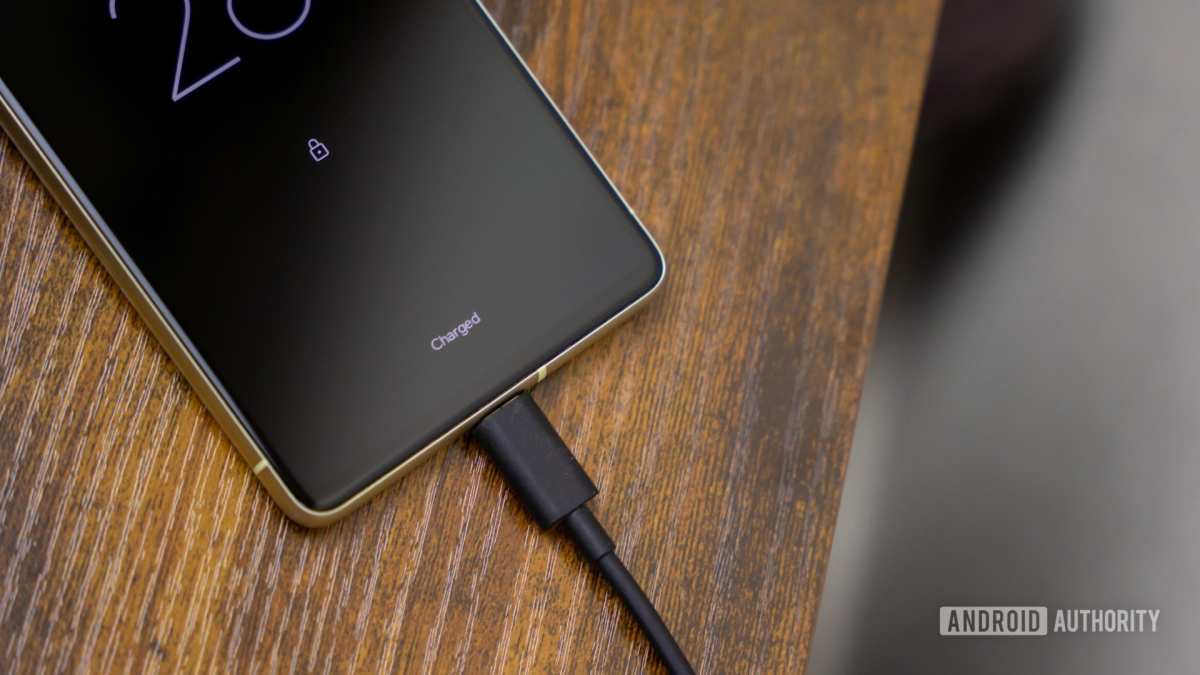
If your Android device’s battery is charging slowly, **the solution could be as simple as switching to a different cable or cleaning the charging port**. Many users experience sluggish charging due to dirt or using incompatible chargers. Over time, software updates and background apps also impact charging speed. By following a few quick steps, you can significantly improve your device’s charging performance and avoid frustrating delays.

Understanding Why Your Android Battery Charges Slowly
When your Android phone isn’t charging as fast as it used to, it can be frustrating. Slow charging can happen for many reasons, and knowing what causes this issue helps you fix it quickly. In this section, we will explore the common causes behind slow Android battery charging and what you can do about them.
Common Reasons for Slow Charging on Android Devices
There are a variety of factors that can slow down your phone’s charging process. Understanding these can help you identify the problem and fix it more effectively.
Low-Quality or Damaged Charging Cables and Adapters
Many times, slow charging comes down to faulty equipment. If your charging cable is frayed, bent, or worn out, it can’t transfer power efficiently. The same goes for the wall adapter; a damaged or cheap charger may not support fast charging or may deliver less power.
- Inspect your charging cable for visible damage or wear.
- Use original or certified chargers recommended by the manufacturer.
- Replace old or damaged cables and adapters immediately.
Dirty or Obstructed Charging Port
Dust, lint, or debris in the charging port can interfere with the connection. When the connection isn’t solid, charging slows down significantly.
- Turn off your device before cleaning.
- Use a small, dry brush or compressed air to gently clean the port.
- Check for any bent or broken pins inside the port.
Using the Phone While Charging
Engaging in activities like gaming, streaming videos, or using intensive apps during charging can cause the device to heat up and slow down the process.
- Let your phone rest while it charges for faster and safer charging.
- Avoid multitasking during charging sessions.
Background Apps and Processes
Having many apps running in the background can drain your battery and slow the charging process. These apps can also interfere with the charging circuit, especially if they keep the processor active.
- Close unnecessary apps before charging.
- Use the device’s battery settings to identify and restrict power-draining apps.
Software and Firmware Issues
Outdated software or bugs in your operating system can impact charging speeds. Sometimes, a recent update fixes bugs that cause slow charging.
- Check for updates regularly and install the latest firmware.
- Restart your phone after software updates for optimal performance.
Overheating Devices
Heat is a common enemy of fast charging. When your device overheats, it will slow down charging to prevent damage.
- Avoid charging your phone in hot environments.
- Remove any cases that trap heat during charging.
- Let your device cool down if it gets too hot during charging.
How Hardware Limitations Affect Charging Speed
Older Android phones or devices with lower battery capacities may not support fast charging features. As batteries age, their ability to accept charge diminishes, which results in slower charging times.
Battery Age and Wear
Over time, batteries degrade and can’t hold as much charge or accept power as efficiently as when new. This deterioration causes longer charging times.
- If your device is a few years old, consider battery replacement.
- Monitor your battery’s health through built-in diagnostic tools or third-party apps.
Compatibility with Fast Charging Technologies
Some models support fast charging standards like Qualcomm Quick Charge or USB Power Delivery. If your charger doesn’t support these standards, charging will be slower.
- Use chargers and cables that match your device’s supported standards.
- Verify compatibility before purchasing new accessories.
How Software Settings Can Slow Down Charging
Your device’s settings can sometimes hinder charging speed. For example, enabling power-saving modes or activating certain features may slow down how fast your phone charges.
Power Saving Modes and Battery Optimization
Many Android devices have power-saving features that limit background activity and may also reduce charging speed to extend battery life.
- Turn off power-saving modes during charging for faster results.
- Review battery optimization settings to avoid unnecessary restrictions.
Adaptive Battery Settings and Background Restrictions
Adaptive battery features learn your usage patterns and limit background activity on unused apps, which can also affect charging speed indirectly.
- Adjust these settings if you notice slower charging when these features are active.
Tips to Improve Your Android Phone’s Charging Speed
After understanding what causes slow charging, you can try several tips to speed up the process.
Use the Right Charger and Cable
Always opt for original or certified charging accessories compatible with your device.
- Check your device’s specifications for supported charging standards.
- Replace worn-out accessories with compatible, high-quality options.
Charge in a Cool, Ventilated Area
Heat hampers charging, so find a cool spot to charge your phone.
- Avoid direct sunlight or hot environments.
- Remove the case if it traps heat during charging.
Disable Unnecessary Features During Charging
Turning off Wi-Fi, Bluetooth, location services, or apps running in the background can help speed up charging.
- Put your device in airplane mode for faster charging.
- Disable notifications and background activities temporarily.
Keep Your Charging Port Clean
Regularly inspect and clean the port to maintain a good connection.
- Use a soft brush or compressed air cautiously.
Update Software and Firmware
Keeping your device updated ensures you have the latest optimizations for charging.
- Check for system updates frequently.
Consider Replacing the Battery
If your device is old and charging is consistently slow, replacing the battery may be the best solution.
- Consult a professional technician for battery replacement.
Summary
In conclusion, slow charging on Android devices can stem from hardware issues, software settings, environmental factors, or battery health. Addressing these areas systematically can significantly improve your charging times. Remember to use quality accessories, clean your charging port regularly, keep your device’s software up to date, and avoid overheating. If all else fails, professional assistance might be needed to diagnose hardware problems like a failing battery. By paying attention to these details, you can ensure your Android phone charges faster and stays in good working order longer.
Frequently Asked Questions
What are some common reasons my Android device charges slowly?
Slow charging on Android devices often occurs due to using incompatible or low-quality chargers, damaged charging cables, or dirt and debris in the charging port. Background apps running during charging can also draw power, reducing charging speed. Additionally, if the device’s battery is old or degraded, it may not accept charge as quickly as when it was new.
How can I ensure I am using the correct charging equipment for my Android phone?
Always use the charger and cable that came with your device or opt for accessories recommended by the manufacturer. Check for certifications like USB-IF or Qualcomm Quick Charge compatibility to ensure the charger delivers appropriate power levels. Avoid third-party chargers that lack proper quality control, as they can hinder charging speed or damage your device.
What steps can I take to improve charging speed if my Android phone is charging slowly?
Start by cleaning the charging port to remove dust and debris. Switch to a wall outlet instead of a computer or power strip. Close unnecessary background apps to reduce power consumption during charging. Enable airplane mode to cut down on network activity, which can slow down charging. Using a fast charger compatible with your device can significantly reduce charging times.
Could software issues affect my Android’s charging performance?
Yes, outdated software or bugs can interfere with charging efficiency. Ensure your device runs the latest operating system version by checking for updates. Sometimes, resettings the device or performing a soft reset can resolve software conflicts that cause slow charging. Also, monitor for any irregular behavior that might indicate a deeper software or hardware problem.
When should I consider replacing my Android battery due to slow charging?
If your device’s battery no longer holds a charge or charges very slowly despite using proper accessories and following best practices, it might be time to replace the battery. Batteries degrade over time, especially after many charge cycles. Consulting a professional technician for a battery health check can help determine if replacement is necessary to restore optimal charging performance.
Final Thoughts
In summary, addressing issues related to ‘android battery charging slow’ involves checking charging cables, avoiding USB ports, and updating software regularly. Poor charging habits and faulty chargers often cause slow charging times. By following these simple steps, users can significantly improve their device’s charging speed. Taking proactive measures ensures your Android device charges efficiently and stays ready for use.
