

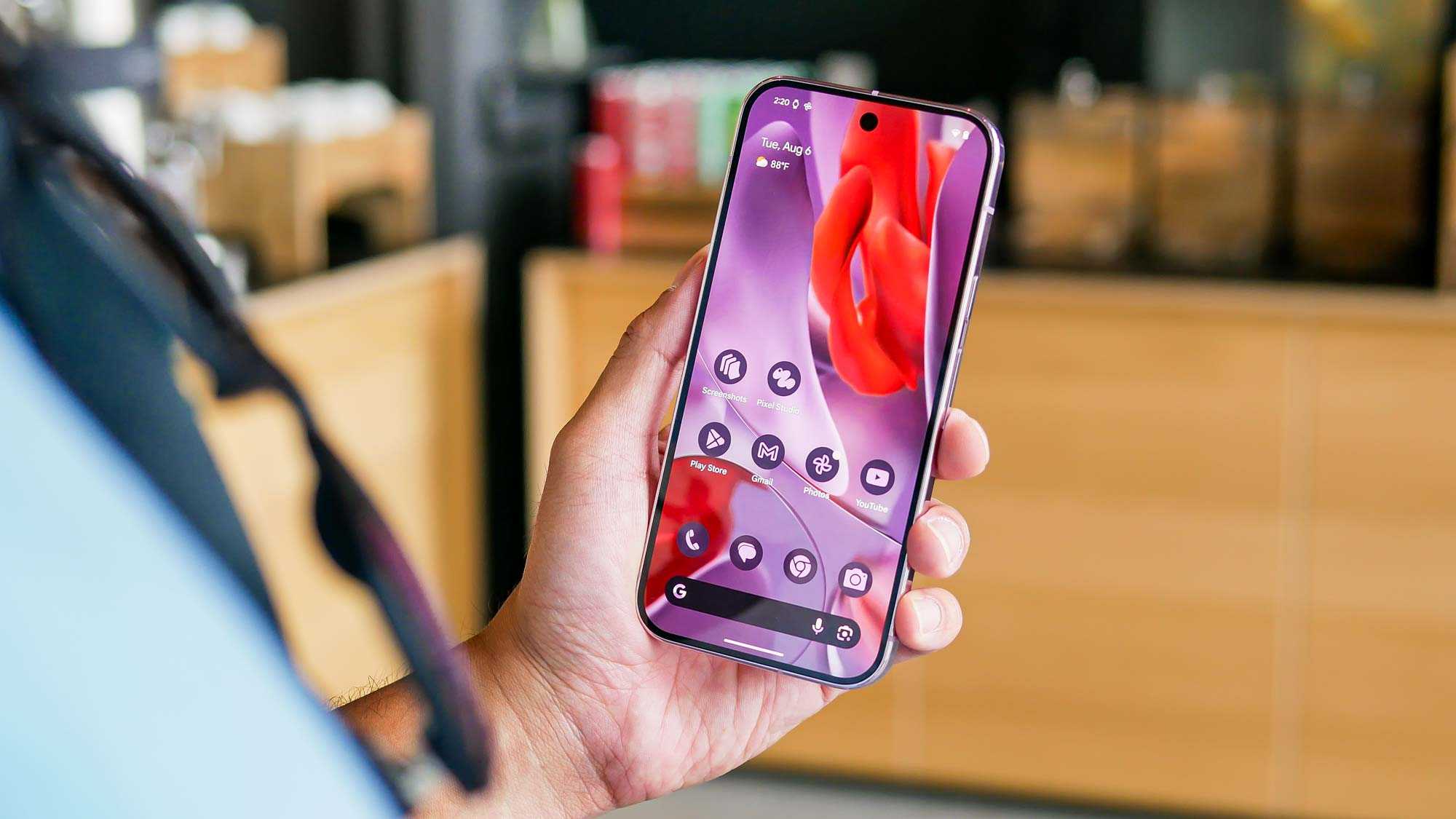
Looking to refresh your Android experience with a fresh new look? With so many launchers available, finding the perfect one can dramatically change how your device feels and functions. Whether you want a sleek minimal design, powerful customization options, or fun animations, there’s a launcher out there for you. The right launcher can make your phone feel brand new without needing to buy a new device. In this article, we’ll explore some of the top Android launchers that can give your device a completely new look and feel, making your daily interactions more enjoyable and personalized. Get ready to transform your phone into a reflection of your style with these standout options.
For a quick solution, try out popular launchers like Nova Launcher, Microsoft Launcher, or Action Launcher for customizable, smooth, and stylish interfaces. These options are user-friendly, packed with features, and easy to set up, offering an instant upgrade to your Android experience.
If you’re tired of the default setup and want something more dynamic and personal, Android launchers are the way to go. They allow you to customize everything from icons and themes to animations and gestures, giving your device a fresh personality. With so many options to choose from, you can find a launcher that perfectly matches your taste and makes your phone feel truly yours.

Top Android launchers for a new look and feel
Understanding what Android launchers are
Android launchers are customizable interfaces that change how your phone looks and feels. They allow you to modify icons, wallpapers, layouts, and animations easily. Choosing the right launcher can make your device more personal and fun to use.
Why use a launcher to change your device’s appearance
A launcher helps you break free from the default Android interface. It offers options to simplify or add complexity based on your preference. Using a launcher can improve your productivity and make your phone more enjoyable.
Top features to look for in Android launchers
When selecting a launcher, consider features like:
- Customizable home screens and app icons
- Gesture controls for quick actions
- Themes and wallpapers to match your style
- Performance and battery efficiency
- User-friendly interface
Best launchers for a fresh and unique look
1. Nova Launcher
Nova Launcher is one of the most popular and versatileAndroid launchers. It offers a wide range of customization options, including icon packs, gestures, and grid layouts. Nova is lightweight, runs smoothly, and supports many advanced features for power users.
Key features of Nova Launcher
- Customizable app drawer and home screens
- Scroll effects and animations
- Backup and restore options
- Support for icon packs and widgets
Why choose Nova Launcher?
It provides a near-stock Android experience with added personal touches. Its ease of use makes it suitable for beginners and tech enthusiasts alike.
2. Lawnchair 2
Lawnchair 2 is a modern launcher inspired by Pixel’s interface. It offers simple customization with pixel-perfect icons and a clean look. Lawnchair is open-source, meaning you can trust its privacy and security.
Features of Lawnchair 2
- Adaptive icons and icon packs
- Dark and light themes
- Rounded icons and customizable grid
- Notification dots support
Reasons to use Lawnchair 2
This launcher is perfect for users who want a minimalistic design with powerful customization options. It runs efficiently on most devices.
3. Microsoft Launcher
Microsoft Launcher seamlessly integrates with Microsoft services like Outlook and Office. It provides a professional look and organized layout for work and personal use.
Highlights of Microsoft Launcher
- Personalized feeds with news, calendar, and to-dos
- Customizable home screens and icons
- Gesture controls for quick actions
- Support for themes and wallpapers
Best suited for
Users who want a clean interface with efficient access to Microsoft tools and services.
Other notable Android launchers to consider
1. Action Launcher
Action Launcher offers a unique feature called Quicktheme, which matches your icons and wallpapers for a cohesive look. It is known for its “Covers” and “Shutters” features, giving quick access to apps and widgets.
2. Evie Launcher
Evie Launcher focuses on simplicity and speed. Its minimalist design makes navigation fast and easy, with helpful gestures and customizable search options.
3. Apex Launcher
Apex provides extensive customization options, including multiple home screens, grids, and transition effects. It’s an excellent choice for users who want complete control.
Tips for choosing the perfect launcher for your device
Before settling on a launcher, consider your needs and preferences. Think about:
- The level of customization you want
- Your device’s performance capabilities
- Whether you prefer minimalistic or feature-rich options
- If you need integration with specific services
Installation and setup tips for Android launchers
Installing a launcher is straightforward. After downloading from the Google Play Store, set it as your default launcher in your device settings. Spend a few minutes exploring customization options to make your device feel personalized.
Popular customization options available in top launchers
Customization can include:
- Changing app icons with icon packs
- Setting wallpapers that match your style
- Adjusting home screen grid sizes
- Applying transition effects between screens
- Using gestures to open apps quickly
Security and privacy considerations
Choose launchers from reputable developers to avoid security risks. Check permissions and opt for open-source options if privacy is a priority. Regular updates ensure better safety and features.
Final thoughts on upgrading your Android experience
Switching launchers offers a simple way to refresh your device’s look and functionality. Explore different options to find one that matches your style and needs. Customization makes everyday device use more enjoyable and efficient.
Best Launcher for Android 2025
Frequently Asked Questions
How can I personalize the appearance of my Android home screen effectively?
To personalize your Android home screen, choose a launcher that offers extensive customization options. You can change icon styles, resize widgets, add or remove app shortcuts, and select unique wallpapers. Many launchers also allow you to organize apps into custom categories or folders, giving your screen a tailored look that reflects your style.
What features should I look for in a launcher to enhance usability?
Look for launchers that offer intuitive navigation, smooth animations, and quick access to frequently used apps. Features like gesture controls, search bars, and customizable app drawers can significantly improve your daily experience. An interface that reduces clutter and provides easy access to necessary functions makes your device more user-friendly.
Are there launchers that support themes and visual styles?
Yes, many Android launchers support a variety of themes and visual styles. These themes can change icon packs, wallpapers, and overall color schemes to match your preferences. Some launchers even allow you to install third-party themes, giving you a broader range of aesthetic options for a cohesive and personalized appearance.
Can I improve performance by switching to a different launcher?
Switching to a lightweight launcher can enhance your device’s speed and responsiveness, especially on older or less powerful phones. Opt for launchers designed with efficiency in mind, as they typically consume less memory and processing power. This change can lead to smoother interactions and longer battery life.
Is it possible to use a launcher that offers better privacy controls?
Absolutely. Certain launchers include privacy-focused features such as app hiding, secure folders, or permission management. These tools help you control which apps are visible or accessible, giving you greater control over your personal data and reducing clutter on your home screen.
Final Thoughts
Top Android launchers for a new look and feel provide a simple way to personalize your device. They offer customization options, beautiful themes, and smooth performance. Selecting the right launcher can make your Android experience more enjoyable. Experiment with different options to find the one that best suits your style and needs.
