

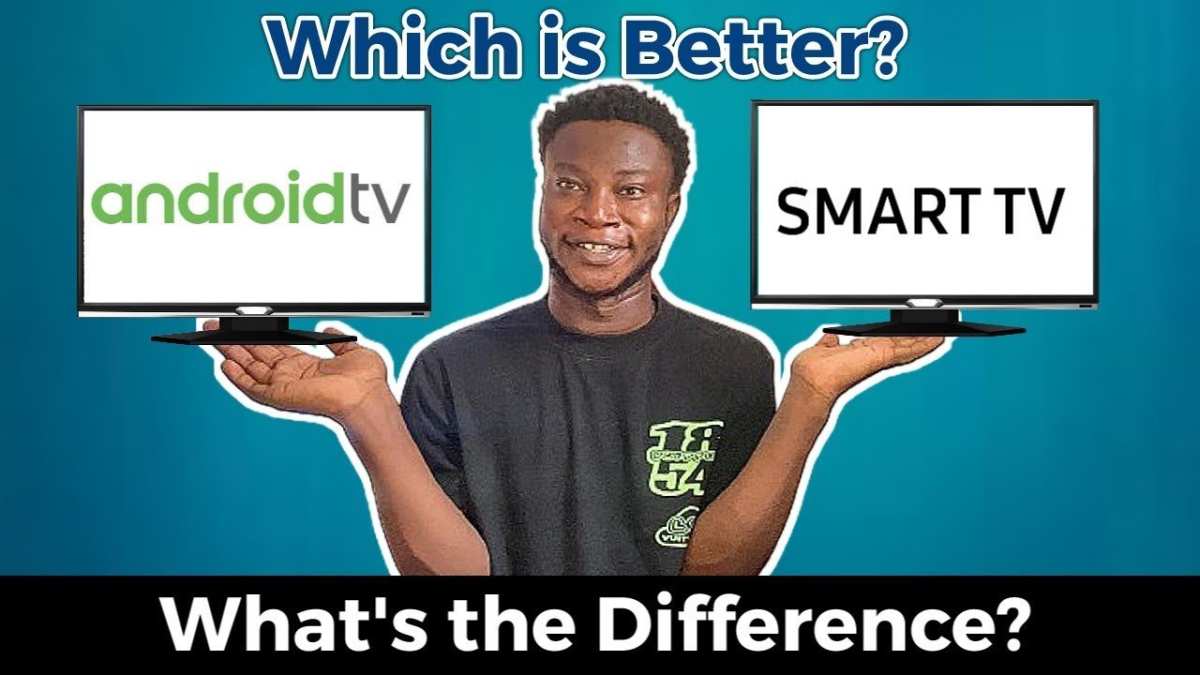
The answer to what’s better, smart TV or Android TV, depends on your preferences and needs. If you want extensive app options and customization, Android TV often takes the lead. However, for simplicity and user-friendly interfaces, a standard smart TV can be more appealing.
When comparing these options, consider how much control you want over your viewing experience. Both offer unique benefits, making the best choice clear based on your specific entertainment habits.

What’s Better: Smart TV or Android TV?
When it comes to choosing a new television, many people find themselves stuck between two popular options: Smart TV and Android TV. Both offer a variety of features designed to enhance your viewing experience, but they also have distinct differences. Understanding these differences can help you make an informed decision that best suits your needs. In this article, we will explore what makes each type of TV unique, compare their features, performance, user interface, app availability, and more, so you can determine which one is right for you.
Understanding What a Smart TV Is
A Smart TV is a television that connects to the internet and allows you to stream movies, TV shows, and videos directly on your screen. Unlike traditional TVs, which only display broadcast channels or connect to external devices, Smart TVs have a built-in operating system that supports various apps and services. Here’s what you need to know about Smart TVs:
- Built-in Internet Connectivity: Most Smart TVs come with Wi-Fi or Ethernet ports so you can easily connect to the internet.
- Pre-installed Apps: Popular streaming platforms like Netflix, Hulu, YouTube, and Amazon Prime are usually available right out of the box.
- User-Friendly Interface: The interface is designed to be intuitive, allowing users to navigate through apps and settings with a remote control.
- Operating System Variants: Different brands use different operating systems like Tizen (Samsung), webOS (LG), or Android TV (Sony, TCL, etc.), each with its own advantages.
While Smart TVs are excellent for casual streaming and everyday entertainment, their capabilities depend heavily on the operating system and app ecosystem installed.
Exploring Android TV and Its Unique Features
Android TV is a specific type of Smart TV that runs on the Android operating system, similar to what you find on smartphones and tablets. It is known for its flexibility, extensive app store access, and deep customization options. Here’s what makes Android TV stand out:
- Google Play Store Access: Android TV users can download a vast library of apps, games, and streaming services from the Google Play Store.
- Google Assistant Integration: Voice commands are seamlessly integrated, allowing you to control your TV, search for content, or even control smart home devices just by speaking.
- Personalized Content Recommendations: Android TV uses algorithms to suggest movies and shows based on your viewing habits, making discovery easier.
- Compatibility with Other Devices: Android TV easily connects with other Android devices like smartphones, tablets, and smart speakers, creating a more integrated home entertainment experience.
Because of these features, Android TV offers a more open environment for users who want more control and customization options.
Comparison of User Interfaces and Ease of Use
The user interface is essential in how quickly and comfortably you can navigate your TV’s features. While both Smart TV and Android TV aim for user-friendly design, there are notable differences:
Smart TV Interface
- Generally designed with simpler, more straightforward layouts.
- Menus are often branded with the TV manufacturer’s style, such as Samsung’s Tizen or LG’s webOS.
- Most use a grid or carousel layout to showcase apps and content, which is easy to navigate with a remote control.
Android TV Interface
- Features a customizable homepage that highlights recommended content, apps, and inputs.
- Offers voice search directly from the home screen, making content discovery faster.
- Supports keyboard input via remote or Bluetooth devices, which can accelerate navigation.
- Provides quick access to Google Assistant and Chromecast, adding more ways to interact with your TV.
In terms of ease of use, Smart TVs with proprietary operating systems tend to be simpler, while Android TV offers more options but may require a bit more familiarity for optimal navigation.
App Ecosystem and Content Access
Access to a broad range of apps and content is crucial when choosing between Smart TV and Android TV:
Smart TV App Ecosystem
- Limited to the app store of the operating system (e.g., Samsung App Store, LG Content Store).
- Some brands like Samsung or LG create their own exclusive apps or partnerships, which can limit options.
- Major streaming services are usually available, but some niche apps might be missing.
Android TV App Ecosystem
- The Google Play Store provides access to thousands of apps, including niche content and games.
- Easy to find popular streaming apps, including newer or less common services.
- Supports sideloading of apps, allowing tech-savvy users to install apps not available in the official store.
Overall, Android TV’s app ecosystem generally offers more variety, flexibility, and future updates compared to most proprietary Smart TV platforms.
Performance and Processing Power
The performance of your TV depends on its hardware specifications, which vary across models. Here’s what to consider:
- Processor Speed: Android TVs often come with more powerful processors to handle multitasking and gaming.
- RAM and Storage: More RAM and storage improve app performance and allow for smoother streaming and multitasking.
- Operating System Optimization: Android TV’s open environment can sometimes lead to slower performance if hardware isn’t optimized, but premium models deliver excellent speed.
For light streaming and everyday use, most models will suffice. However, if you plan to play casual games or use demanding apps, opting for a higher-performance Android TV may be more satisfying.
Price Range and Value for Money
Cost is an important factor that influences your decision:
- Smart TVs: Range from budget-friendly options under $300 to high-end models exceeding $2000. Some brands offer good features at lower prices, but the more advanced the features, the higher the cost.
- Android TVs: Usually priced in the middle to high range, from around $400 to over $2000. They tend to cost more due to their hardware and software capabilities.
Consider what features are essential for you. If you only need basic streaming, a basic Smart TV might be enough. For more customization and app flexibility, investing in an Android TV could be worthwhile.
Compatibility and Smart Home Integration
Both types of TVs can connect with smart home devices, but Android TV offers a more seamless experience:
- Smart TV: Compatibility depends on the brand and operating system. Some models support smart home integrations via proprietary apps or platforms.
- Android TV: Works well with Google Home and other Google services, enabling voice control of compatible smart devices, lighting, thermostats, and more.
If managing your smart home ecosystem is a priority, Android TV’s compatibility makes it a more versatile choice.
Choosing between a Smart TV and an Android TV means weighing factors like app diversity, customization options, user interface, hardware performance, and price. Smart TVs are excellent for straightforward, easy-to-use viewing, especially if they come from trusted brands with user-friendly interfaces. Android TV, on the other hand, excels in offering a vast app ecosystem, integrated voice control, and compatibility with other Android devices, making it suitable for tech enthusiasts and users who want more flexibility.
Remember, your decision should align with your specific entertainment needs, your budget, and how much you value customization and connectivity. Whether you opt for a Smart TV or an Android TV, both options are capable of delivering a memorable viewing experience.
Frequently Asked Questions
How does user interface differ between smart TVs and Android TVs?
Android TVs typically offer a more customizable and intuitive interface with access to a wide variety of apps through the Google Play Store. They often include voice search and personalized recommendations, making navigation easier. Smart TVs usually have a manufacturer-specific interface that may be simpler but less flexible, which can limit app options and customization.
Can I install third-party apps on both smart TVs and Android TVs?
Installing third-party apps is straightforward on Android TVs because they provide access to the Google Play Store, where you can find a broad selection of applications. Many smart TVs restrict app installations to their dedicated app stores or have limited options, which can restrict your ability to add new or niche apps.
Which device offers better compatibility with external devices and peripherals?
Android TVs typically provide more extensive support for external devices such as gaming controllers, external storage, and sound systems through multiple port options and compatibility standards. Smart TVs may have limited connectivity options and less universal compatibility, making Android TVs a more flexible choice for connecting various peripherals.
How does content availability compare between smart TVs and Android TVs?
Android TVs access a vast variety of content platforms, streaming services, and apps via the Google Play Store, giving users more options for on-demand entertainment. While smart TVs support popular streaming apps, their content offerings might be limited based on the manufacturer’s restrictions and app availability, which could affect the overall entertainment experience.
Final Thoughts
Smart TVs offer user-friendly interfaces and pre-installed apps, making them easy for most viewers. Android TV provides more customization options and access to a broader range of apps through Google Play.
Performance-wise, Android TV often delivers quicker updates and more flexibility for tech-savvy users.
In conclusion, what’s better smart tv or android tv depends on your needs. If simplicity is key, go for a smart TV. For more control and variety, choose Android TV.
