

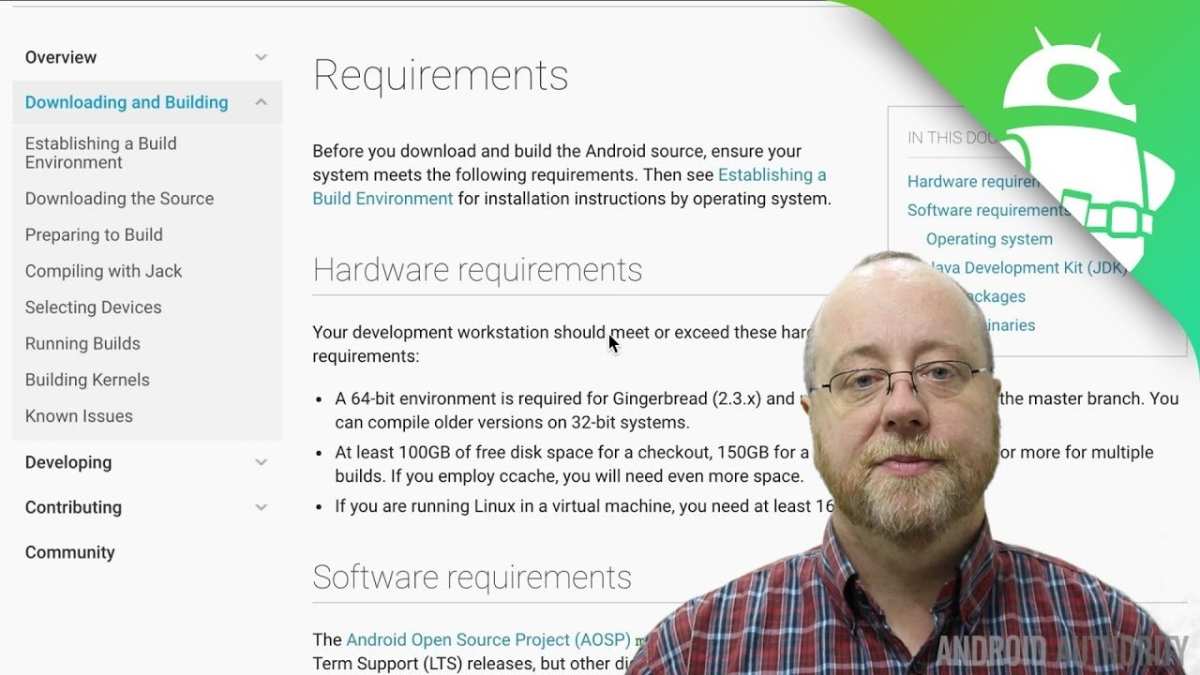
To make your own custom ROM for Android, you need to follow a step-by-step process that involves unlocking your device, gathering the right tools, and customizing the system files. **Creating a custom ROM allows you to personalize your device’s performance and features.** Begin by researching compatible firmware and tools such as Android SDK and custom recovery. With patience and careful execution, you can craft a unique Android experience tailored to your needs.

How to Make Your Own Custom ROM for Android
Creating your own Android custom ROM might sound complex, but with the right guidance, it’s a task accessible to anyone interested in personalizing their device. Building a custom ROM allows you to tailor the phone’s software exactly how you want it — whether you want a cleaner interface, better performance, or new features. This process involves several steps that include understanding Android’s architecture, preparing your tools, and carefully customizing the code. Let’s walk through each part of this process so you can confidently create your own Android ROM.
Understanding Android and Why You Should Make a Custom ROM
Before diving into the technicalities, it’s important to recognize what a custom ROM really is. Android is an open-source platform, which means developers can modify the code to add features, fix bugs, or remove unnecessary apps. Custom ROMs give users a way to replace their device’s stock firmware with a version they prefer.
Some reasons people choose to create or use custom ROMs include:
- Enhanced performance: Custom ROMs can optimize system resources for faster runs.
- Greater customization options: From themes to core features, you control everything.
- Removing bloatware: Delete pre-installed apps that you never use.
- Getting updates faster: Some custom ROMs offer features or security updates before official releases.
- Old device support: Bring new life to aged smartphones no longer supported by manufacturers.
Understanding these benefits helps motivate the process and clarifies why your effort matters.
Preparing Your Environment for ROM Development
To create a custom ROM, you must set up a proper development environment. This involves installing several tools and understanding the necessary files.
Tools and Software You Need
- Computer with Windows, macOS, or Linux operating system
- Android Studio or command-line interface (CLI) tools
- Android SDK (Software Development Kit)
- Java Development Kit (JDK)
- Repo tool for managing multiple repositories
- Google’s Android source code repositories (AOSP)
- Device drivers for your Android device (to connect and debug)
Setting Up Your Development Environment
- Install Java Development Kit: This is essential for building Android source code. Use JDK 8 or later.
- Download and install Android Studio or command-line tools: These provide the tools needed to compile and modify code.
- Configure environment variables: Set paths for Java and Android SDK on your system.
- Download the Repo tool: You need this to manage the Android source code repositories efficiently.
- Clone the AOSP (Android Open Source Project): Use Repo to sync the code for your target device.
Establishing this environment sets the foundation for customizing and building your ROM.
Getting the Base Source Code
The starting point for your custom ROM is the base source code from AOSP. You can either build from scratch or modify existing custom ROM builds.
Cloning the Source Code
- Initialize Repo with the AOSP repository URL:
- Sync the source code to your local machine: This may take several hours depending on your internet connection and device specifications.
repo init -u https://android.googlesource.com/platform/manifestrepo syncOnce downloaded, you will have access to Android’s core code, which you can then modify.
Selecting a Device Profile
– Different devices require different configurations. Locate the device-specific files in the source tree.
– Make sure you have the device’s kernel source if necessary.
Customizing the ROM
With the source code ready, you can begin customizing your ROM. This step involves editing system files, adding features, removing unwanted apps, and more.
Modifying the User Interface
– Change themes and icons to personalize appearance.
– Edit layout files (XML) to tweak home screens, app drawer, etc.
– Replace or modify system apps for a different user experience.
Adding or Removing Features
– Incorporate new apps or features by editing build scripts.
– Use APKs (Android application packages) to install new apps directly into the ROM.
– Disable or remove existing apps by modifying the system partition.
Changing Performance Settings
– Optimize kernel parameters for better speed or battery life.
– Adjust CPU governors and frequency scaling.
– Remove background apps to conserve resources.
Building Your Custom ROM
After customizing, it’s time to compile your code into a usable ROM file.
Preparing for Build
– Set up a build environment specific to your device.
– Choose a target build configuration.
– Ensure all dependencies and tools are correctly configured.
Starting the Build Process
– Use commands tailored for your device:
lunch -userdebug – Begin compiling with:
make -jXReplace X with the number of processor cores on your machine for faster compilation.
- Wait patiently — compilation can take several hours.
- Review any errors carefully and resolve dependencies or configuration issues if needed.
Once successful, you will find the flashable ZIP file in the output folder.
Flashing Your Custom ROM onto Your Device
Now that you have your ROM built, it’s time to install it on your device. Before doing this, back up your important data.
Preparing Your Device
- Enable developer options and USB debugging.
- Unlock bootloader (if not already unlocked). This process varies by device.
- Install the necessary drivers on your PC for device communication.
- Use fastboot or custom recovery software like TWRP to flash the ROM.
Installing the ROM
- Boot your device into recovery mode (e.g., TWRP).
- Perform a factory reset if necessary, to prevent conflicts.
- Transfer the ROM ZIP file to your device.
- Select ‘Install’ in recovery, then choose the ZIP file.
- Confirm and wait for the installation to complete.
- Reboot your device.
Congratulations! Your device now runs a version of the custom ROM you built.
Maintaining and Updating Your Custom ROM
Creating your ROM is just the beginning. Regular updates keep it secure and functional.
Incorporate Security Patches and Bug Fixes
– Sync your source code with the latest repositories.
– Rebuild and flash the new version.
Adding New Features and Enhancements
– Continue editing source files.
– Test new modifications thoroughly before flashing.
Community Support and Sharing
– Share your ROM with others on forums or repositories.
– Collaborate and learn from other developers.
Final Tips and Resources
Making a custom ROM is a continuous learning process. Here are some tips:
- Start with small modifications and test often.
- Read documentation from AOSP and relevant device forums.
- Use version control systems like Git to track your changes.
- Engage with developer communities for support and advice.
Useful resources include:
- Official Android Open Source Project documentation
- XDA Developers forum for device-specific guides
- GitHub repositories of popular custom ROM projects
Building your own Android ROM can be exciting and rewarding. With patience and persistence, you’ll be able to craft a personalized version that reflects your preferences. Remember, take your time, test often, and enjoy the process of bringing your custom firmware to life.
Frequently Asked Questions
What tools do I need to start building a custom Android ROM?
To begin creating a custom Android ROM, gather essential tools such as Android SDK, a Linux or Windows environment, ADB and Fastboot utilities, and a suitable build system like Android Open Source Project (AOSP). You should also have a reliable internet connection for downloading source code and dependencies, along with a compatible device for testing your ROM.
How can I modify the system components of an Android ROM?
Modifying system components involves decompiling the existing ROM, editing the system files, and recompiling the ROM. Use tools like Android Kitchen or APKTool to extract and modify system apps, frameworks, and settings. Be cautious to maintain compatibility and stability, and always test changes thoroughly before flashing the ROM onto your device.
What are important considerations for ensuring stability in my custom ROM?
Focus on integrating well-tested components, minimize unnecessary modifications, and follow best practices for coding and configuration. Conduct extensive testing on different hardware conditions, check for bugs, and ensure that all features work correctly. Keeping the source code organized and maintaining regular backups help manage stability effectively.
How do I compile and package my modified ROM for distribution?
After making your changes, set up your build environment and run the build commands specific to your project, such as ‘make’ in the AOSP environment. Once compilation completes successfully, generate the flashable ZIP file and follow proper procedures for signing and verifying the package before sharing it with others or flashing it onto devices.
What precautions should I take before flashing a custom ROM on my device?
Before flashing, back up all important data and ensure your device has an unlocked bootloader. Verify that your ROM is compatible with your device model. Follow flashing instructions carefully, and use trusted tools to avoid bricking your device. Double-check the integrity of the ROM file to prevent corruption during the process.
Final Thoughts
To make your own custom rom for android, start with selecting a compatible device and downloading the necessary tools like AOSP or custom recovery. Customize the build by editing code, adding features, and removing unwanted apps. Test your ROM thoroughly to ensure stability and performance. With dedication and attention, creating a personalized Android ROM becomes achievable and rewarding.
