

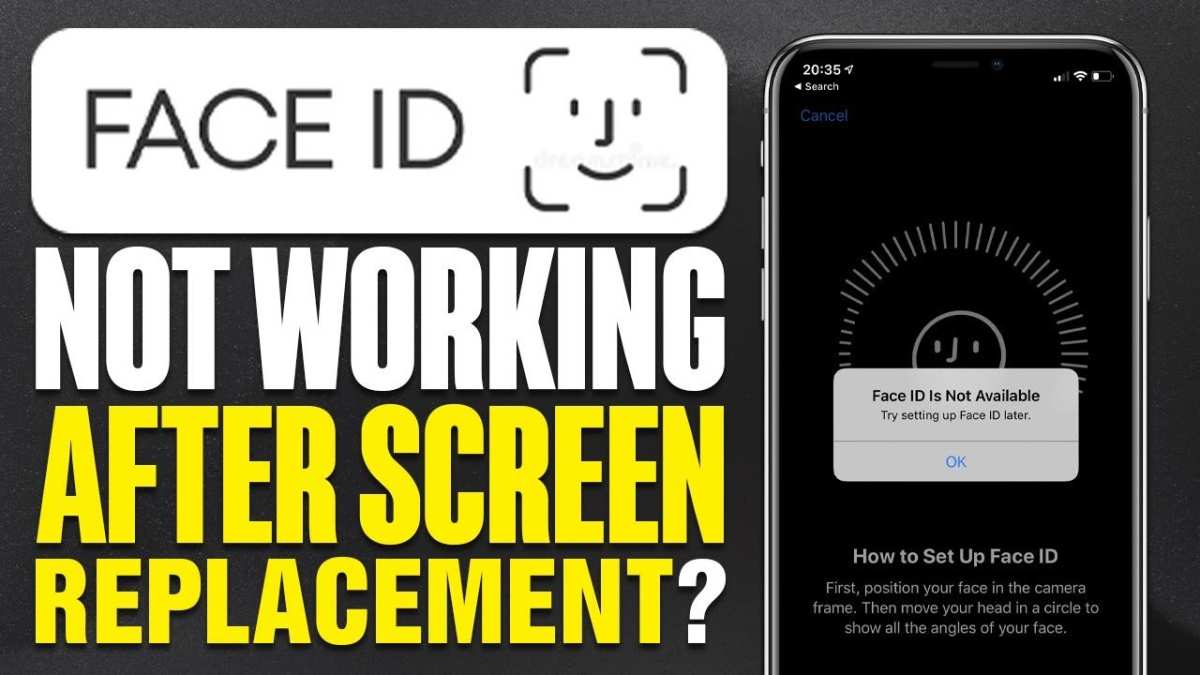
**If your iPhone screen replacement stopped working, the first step is to check the connection.** Often, loose or improperly fitted components cause the issue. Carefully reassemble the device or visit a professional if needed.
Dealing with this problem can be frustrating, but understanding common causes helps. Ensuring proper installation and seeking expert repair often resolve the issue quickly.

What to Do When Your iPhone Screen Replacement Stops Working
Getting your iPhone screen replaced can be a great way to bring new life back into your device. But what happens when the replacement screen stops working or develops issues? This situation can be frustrating, especially if you’ve already invested time and money into fixing your device. In this section, we will explore what it means when your iPhone screen replacement stops working, the common reasons behind it, and the best steps you can take to resolve the problem.
Understanding Why Your iPhone Screen Might Not Work After Replacement
After replacing your iPhone screen, many users expect full functionality immediately. However, issues sometimes arise. Here are some of the most common reasons why your replacement screen may stop working:
- Improper Installation: If the replacement process wasn’t done correctly, certain components might not be reconnecting properly, leading to unresponsive touch or display issues.
- Damaged or Faulty Replacement Screen: Not all replacement screens are of the same quality. Low-cost or defective screens can malfunction shortly after installation.
- Hardware Damage: During the replacement, other parts of the device might have been damaged, such as the flex cables, connectors, or the logic board.
- Software Glitches: Sometimes, software issues or glitches related to the device’s firmware can cause the screen to misbehave after a repair.
- Battery or Power Issues: An inconsistent power supply, or a faulty battery, can lead to display problems or failure to turn on.
Understanding these possible causes helps you narrow down the reason behind your screen’s failure and guides you toward the right solution.
Common Symptoms When Your iPhone Screen Replacement Stops Working
Knowing the symptoms can help you identify the underlying issue. Here are signs that your replacement screen may not be functioning properly:
- The screen remains dark even when you try to turn on the phone.
- The display shows strange lines, flickering, or color issues.
- The touch function is unresponsive or only partially responsive.
- The screen is responsive but displays incorrect colors or areas of the screen are unresponsive.
- Unusual noises or vibrations occur when trying to operate the device.
Any of these signs indicate you need to troubleshoot and possibly seek repairs. Ignoring these issues can lead to further damage or loss of data.
Steps to Troubleshoot a Non-Responsive or Malfunctioning iPhone Screen
When your replacement screen stops working, try these basic troubleshooting steps first before seeking professional help. They can often resolve minor issues and prevent unnecessary repairs.
Check for Software Updates and Restart
Sometimes, software glitches cause display problems. Ensure your iPhone is running the latest software:
- Go to Settings
- Select General
- Tap on Software Update
- If an update is available, follow the prompts to install it
After updating, restart your device:
- Press and hold the power button
- Slide to power off
- Turn your device back on
This simple step can resolve certain software-related screen issues.
Force Restart Your iPhone
A force restart can fix temporary glitches affecting the display:
- For iPhone 8 or later models: Press and quickly release the volume up button, then the volume down button, then press and hold the side button until the Apple logo appears.
- For earlier models: Press and hold the home button and the power button simultaneously until the Apple logo appears.
Observe if the screen responds normally after this process.
Inspect the Physical Condition of Your Phone
Physical damage can influence display performance:
- Check for cracks, dents, or signs of water damage.
- Ensure the screen isn’t loose or wobbly.
- Look for any signs of corrosion around connectors or ports.
If physical damage exists, professional repair services might be necessary.
When to Seek Professional Repair Services
If troubleshooting doesn’t solve the problem, it’s time to consult an expert. Here are reasons to seek professional help:
- The screen remains unresponsive despite restarting and updating.
- The display shows flickering, lines, or discoloration.
- You notice physical damage or signs of water ingress.
- The touch function is only partially responsive or not at all.
A professional technician can diagnose hardware issues precisely, repair damaged components, and ensure your device functions as it should.
Understanding the Repair Process for a Faulty Replacement Screen
When you visit a repair shop, they typically follow a series of steps:
- Diagnostic Check: They determine whether the problem stems from the screen or other parts like the motherboard or connectors.
- Component Inspection: Technicians inspect the connections, flex cables, and the installation quality.
- Replacement of Faulty Parts: If the screen itself is defective, they replace it with a high-quality, compatible component.
- Testing: After fixing, they test all functions thoroughly to ensure full responsiveness and display clarity.
Choosing certified repair services ensures quality work and reduces the chances of repeat issues.
Preventing Future Screen Problems
Once your iPhone screen is functioning well again, consider these tips to avoid similar issues:
- Use a protective case and screen protector to prevent physical damage.
- Avoid dropping or exposing your device to water whenever possible.
- Keep your software updated to prevent glitches that can affect display functions.
- Have repairs performed by experienced technicians using quality parts.
- Handle your device gently, especially during cleaning or when transporting.
Taking care of your iPhone can extend its overall life and keep the screen working properly longer.
Choosing the Right Repair Service for Screen Replacement
Finding a trustworthy repair shop is crucial. Here are some tips:
- Pick authorized Apple service providers or certified third-party technicians.
- Request warranties for replacement parts and services.
- Read reviews and ask for recommendations from friends or family.
- Ensure they use genuine or high-quality replacement screens.
- Inquire about the repair process and turnaround time upfront.
A good repair service not only resolves current issues but also offers support if problems return.
Final Tips and Advice for Troubleshooting and Repair
Handling issues with your iPhone screen after replacement can seem complicated, but remember:
- Start with basic troubleshooting before jumping into costly repairs.
- Understand whether hardware or software is the cause of the problem.
- Trust professional technicians for hardware fixes and replacements.
- Always opt for quality replacement parts to ensure longevity.
- Maintain regular backups of your data to prevent loss during repairs.
By following these tips, you can better navigate the situation when your iPhone screen stops working after a replacement and ensure your device remains in good shape for years to come.
Frequently Asked Questions
Why does my replaced iPhone screen stop responding after a few days?
If your screen stops responding shortly after replacement, it could be due to a faulty installation or incompatible parts. Sometimes, moisture or dust can interfere with the touch functionality. It’s advisable to visit a certified technician who can thoroughly examine the device and replace any defective components to restore full responsiveness.
What are the common causes of screen replacement failure on an iPhone?
Screen replacement failures often occur because of improper installation, low-quality replacement parts, or damage to internal components during the repair process. In some cases, the device’s software might also need updating or resetting to ensure proper calibration of the new screen. Consulting a professional can help identify and fix these issues effectively.
How can I prevent my iPhone screen from stopping working after replacement?
To prevent issues post-replacement, choose a reputable repair service that uses genuine parts and follows proper installation procedures. Avoid exposing your device to extreme temperatures or moisture and keep the software updated. Regularly inspecting your device for signs of damage or malfunction can also help catch issues early.
Is it possible that software problems cause my iPhone screen to stop functioning after a repair?
Yes, software glitches can sometimes cause the screen to act unresponsively after a repair. Performing a force restart or updating your iPhone’s software can resolve these issues. If problems persist, resetting your device or restoring it via iTunes might be necessary, but consult a technician before taking these steps.
When should I seek professional help for my iPhone screen issues?
If your screen continues to malfunction despite troubleshooting efforts, it’s best to visit an authorized service provider. Persistent problems could indicate underlying hardware issues or a defective replacement, which require expert diagnosis and repairs to ensure your device’s longevity and performance.
Final Thoughts
In summary, if your iPhone screen replacement stopped working, it can be frustrating but manageable. Often, issues stem from improper installation or incompatible parts. Carefully assess the repair process and ensure you use quality components.
Seeking professional help can resolve persistent problems efficiently. Remember, a faulty screen replacement impacts your device’s performance and usability. Address the issue promptly to keep your iPhone functioning smoothly.
