

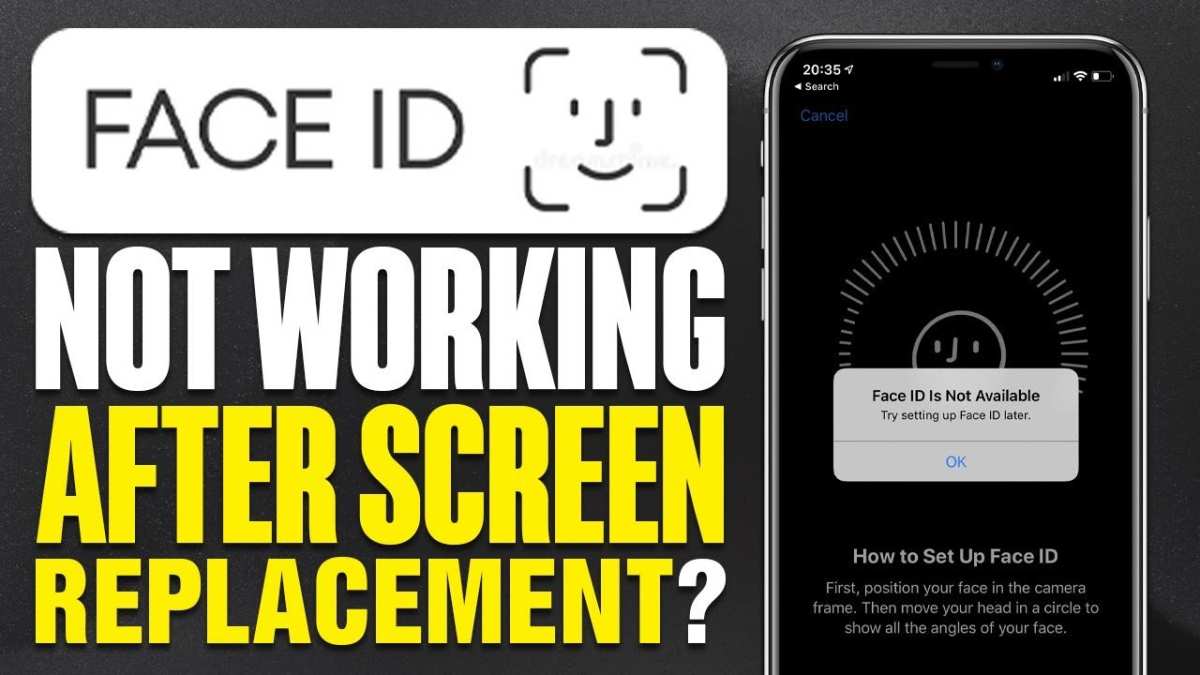
If your iPhone screen replacement stopped working, don’t panic. **Reboot your device and check for any loose connections or debris.** Sometimes, the issue stems from improper installation or a faulty replacement part.
If the problem persists, contacting a professional technician for a precise diagnosis can save you time and frustration. Ensuring proper handling during reinstallation can prevent future mishaps and keep your device functioning perfectly.

What to Do When Your iPhone Screen Replacement Stops Working
Getting a new iPhone screen installed sounds simple, right? But sometimes, after a screen replacement, you might notice problems. Maybe the screen isn’t responding as it should, or it suddenly stops working altogether. If that’s happening to you, don’t worry. This situation can be frustrating, but understanding what might cause these issues will help you fix them quickly. In this article, we’ll walk through everything you need to know about the problems that arise after an iPhone screen replacement, what causes them, and how to get the best help to solve the problem.
Understanding Common Reasons Why an iPhone Screen Stops Working After Replacement
When your newly replaced iPhone screen malfunctions, it’s essential to understand why it happens. Several factors could be at play. Some are related to the replacement process itself, while others might be due to the phone’s hardware or software.
Incorrect Installation
One of the main reasons a screen stops working after replacement is improper installation. Installing an iPhone screen involves delicate work, and even small mistakes can cause issues. Here are common mistakes made during installation:
- Not reconnecting the display cable properly
- Damaging internal connectors or flex cables
- Scratching or cracking the new screen during installation
- Using low-quality replacement parts
Improper installation can lead to touch sensitivity problems, display failures, or no response at all from the screen.
Low-Quality Replacement Parts
Not all replacement screens are made equally. Cheaper, low-quality screens may look similar but often lack durability or compatibility. These inferior parts can:
- Fail quickly after installation
- Cause display flickering or dead pixels
- Result in touch responsiveness issues
Always choose screens from reputable suppliers. Investing in genuine or high-quality parts ensures better durability and compatibility.
Software Glitches or Compatibility Issues
Sometimes, hardware problems aren’t the main culprit. Software can also cause the screen to stop working suddenly after a replacement. Software glitches may happen if:
- The iOS version is outdated or incompatible with the new hardware
- An improper restart or software update causes conflicts
- Faulty drivers or system errors interfere with display functions
Updating your iPhone to the latest iOS version can sometimes resolve these issues.
Hardware Damage During Replacement
Replacement work involves opening your device, which can sometimes cause additional damage. For example:
- Damaging the display connectors during handling
- Breaking internal components like the display controller
- Damaging the LCD or OLED panel during removal or installation
Such damage might not be immediately apparent but can cause ongoing display problems.
Signs That Your iPhone Screen Replacement Isn’t Working Properly
Knowing what to look for helps you decide whether to seek professional help or attempt repairs yourself. Here are common signs indicating your screen replacement isn’t functioning correctly:
No Response or Touch Issues
If your iPhone screen doesn’t respond to taps or gestures, it suggests a problem with touch sensors or connection issues.
Display Flickering or Dead Pixels
Unusual flickering, lines, or dead spots indicate possible hardware faults with the new display.
Unusual Colors or Brightness
Colors may appear washed out, too dim, or overly bright if the replacement panel isn’t compatible or functioning correctly.
Screen Freezing or Random Restarts
Software conflicts or hardware issues can cause your iPhone to freeze or restart unexpectedly.
How to Troubleshoot an iPhone Screen That Stops Responding
If your replacement screen isn’t working properly, consider these steps before contacting a professional:
Perform a Hard Reset
Press and hold the power and volume down buttons simultaneously for about ten seconds. This forces the device to restart and can resolve minor glitches.
Check for Software Updates
Navigate to Settings > General > Software Update. Installing the latest iOS version can fix compatibility issues.
Inspect Connection Points
If you’re comfortable opening your device, carefully check that all cables are securely connected during the replacement. Loose or damaged cables often cause screen problems.
Test the Screen in Safe Mode
Boot your iPhone into safe mode to rule out software conflicts impacting the display. If the screen works fine in safe mode, try cleaning or updating your system.
Reset Settings or Factory Reset
Sometimes, resetting all settings or performing a factory reset can resolve underlying software conflicts. Remember to back up your data first.
When to Seek Professional Help
If troubleshooting doesn’t resolve the problem, it’s time to consult an expert. Consider visiting an authorized Apple service provider or a trusted repair shop. Professionals can:
- Perform detailed diagnostics
- Identify hidden hardware damage
- Replace faulty display components properly
- Ensure the device is returned to full working condition
Choosing authorized service centers ensures you get genuine parts and proper service, reducing the risk of further issues.
Preventing Future Screen Problems After Replacement
Prevention is better than cure. To make sure your future screens stay functional:
- Use high-quality replacement parts from reputable suppliers
- Have screen replacements done by experienced professionals
- Avoid exposing your device to extreme temperatures or moisture during and after repair
- Handle your iPhone carefully, especially during repairs or cleaning
- Regularly update iOS for optimal hardware compatibility
Understanding the Cost of Fixing Screen Issues
Fixing screen problems varies depending on the issue and where you get it repaired. Here are some factors influencing the cost:
| Service Type | Estimated Cost | Remarks |
|---|---|---|
| Official Apple Service | $100 – $300 | Genuine parts, warranty included |
| Third-Party Repair Shops | $50 – $200 | Lower costs, quality varies |
| DIY Repair Kits | $20 – $80 | Requires skills, risk of further damage |
Always weigh the cost against the quality and reliability of the repair.
Summary of Key Points
- Most issues with a non-functioning screen after replacement stem from installation mistakes, poor-quality parts, or internal damage.
- Careful troubleshooting can often resolve minor problems, but some cases need professional repair.
- Choosing reputable repair services and high-quality parts helps prevent future issues.
- Taking care of your device and keeping software up to date can prolong your screen’s lifespan.
Understanding why your iPhone screen isn’t working after a replacement can seem complex but breaking it down makes it manageable. Whether you fix it yourself or visit a professional, knowing the possible causes and signs can save you time and money. Always prioritize quality parts and expert help to keep your device functioning perfectly.
Frequently Asked Questions
What should I do if my iPhone screen replacement stops responding unexpectedly?
If your iPhone screen stops responding after a replacement, try performing a force restart to reset the device. If the problem persists, check for any visible damage or loose connections from the repair. In such cases, contact the repair service for a professional inspection to identify potential issues with the installation or hardware compatibility.
Could software updates affect my newly replaced iPhone screen’s performance?
Yes, software updates can sometimes cause display issues if there are bugs or compatibility problems. Ensure your device runs the latest iOS version, as updates often fix bugs that might affect screen functionality. If problems continue after updating, consider resetting your device or restoring it from a backup. If that doesn’t help, consult a technician for further assistance.
Why does my iPhone screen flicker after a recent replacement?
Screen flickering following a replacement may result from poor installation, loose connectors, or defective components. Check if the display cable is securely connected and look for any visible damage. If you notice any issues, visit your repair provider for a detailed inspection. Replacing faulty parts or reseating connectors can often resolve flickering problems.
Can environmental factors impact the functionality of a replaced iPhone screen?
Yes, environmental factors like extreme temperature, moisture, or exposure to dust can affect a replaced screen’s performance. Make sure your device stays in a suitable environment, and avoid exposing it to water or excessive heat. If environmental damage has occurred, professional repairs may be necessary to restore proper function.
Is it common for a replaced iPhone screen to develop issues shortly after repair?
While quality repairs typically prevent such problems, issues can sometimes develop if the replacement parts are substandard or if the installation was not done properly. To avoid this, choose reputable repair services that use genuine parts. If problems arise soon after a repair, return to the service provider to address the issue under warranty or for a free correction.
Final Thoughts
In summary, dealing with an ‘iPhone screen replacement stopped working’ can be frustrating. Sometimes, the repair might not last as long as expected or encounter issues shortly after the service.
If you experience this problem, contact the repair center immediately. They can assess whether the issue stems from a faulty replacement or installation.
Addressing these concerns promptly ensures your device functions properly again. Ultimately, resolving ‘iPhone screen replacement stopped working’ restores your phone’s performance and your peace of mind.
