Can iPhone Record Calls? Unveiling Hidden Features!
The question “Can iPhone record calls?” has a layered answer that has evolved dramatically in 2024. For years, iPhones required third‑party apps or clumsy workarounds because Apple deliberately omitted a native call recorder due to privacy principles. Today, a hidden feature is about to change everything — iOS 18 brings call recording directly into the Phone app, with automatic transcription and full transparency. Whether you’re capturing an interview, saving a verbal agreement, or simply preserving a memory, iPhone now offers smarter, safer ways to record calls. Let’s unpack what’s possible, what’s legal, and how to unlock every option.
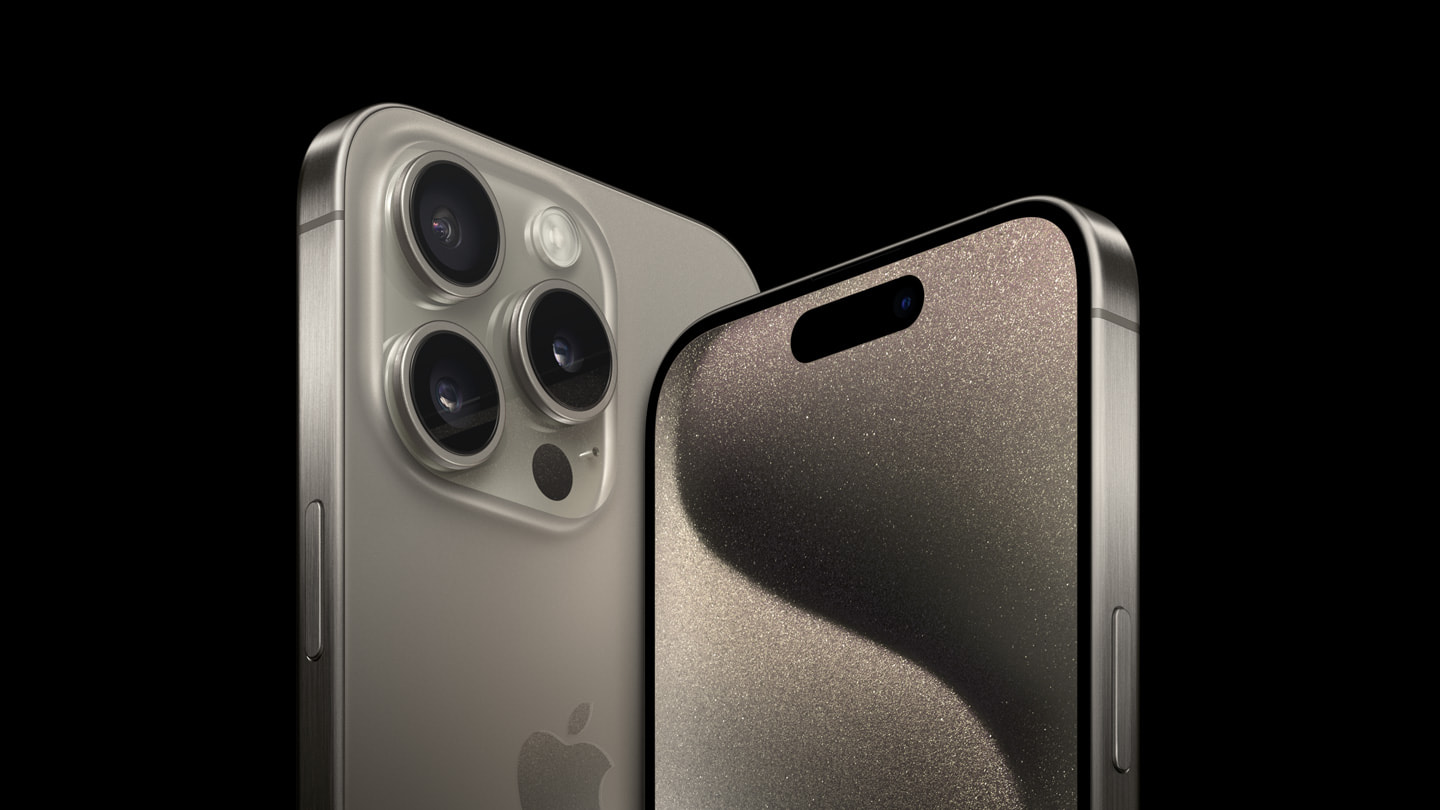 Image source: www.apple.com
Is Recording Calls Legal? A Must‑Know Guide
Call recording laws vary by jurisdiction and ignoring them can lead to serious legal trouble. Before you press any record button, understand the two dominant frameworks. For more on this, see our guide on can you get back deleted messages on whatsapp.
- One‑party consent – In most U.S. states and under federal law (18 U.S.C. § 2511), you can record a conversation if at least one participant knows about it. If you’re part of the call, you count as that participant. Around 38 states follow this model.
- Two‑party (all‑party) consent – In places like California, Florida, Illinois, and many countries across Europe, every person on the call must explicitly agree to be recorded. The GDPR in Europe treats recorded calls as personal data, requiring affirmative consent.
Practical steps to stay compliant:
- Always announce recording, even if not legally required. A simple “I’m going to record this call for my notes” creates a transparent record.
- Enable a periodic beep tone if your app supports it — many all‑party consent cases turn on whether the other side knew recording was ongoing.
- For cross‑border calls, follow the stricter jurisdiction’s rules.
Apple’s software‑based approach reflects this complexity: iOS 18’s native recorder will automatically notify the other caller with an audible prompt, embedding consent into the experience.
The iPhone’s Built‑In Limitations (And Why Apple Kept It That Way)
Prior to iOS 18, iPhones shipped without any one‑tap call recording. That wasn’t an oversight — it was a design choice to protect user privacy and avoid legal complications. For more on this, see our guide on can claude browse the internet.
- No API for direct audio capture during a phone call. Apps couldn’t access the call audio stream, except by merging a third line (conference bridging).
- Voice Memos can technically record a speakerphone conversation, but you’ll capture only what your microphone picks up — a far cry from a clean, two‑sided recording.
- Screen recording stops audio capture the moment you launch a phone call.
These constraints pushed millions of users toward third‑party apps. While functional, those solutions introduce friction and sometimes compromise call quality.
Third‑Party Apps: Bridging the Gap
Dozens of call‑recording apps fill the gap on iOS 17 and earlier. Almost all rely on a three‑way merge: the app adds a recording line as a third participant, capturing the mixed audio on its servers before playing it back or downloading it.
Popular Call Recording Apps and Their Key Traits
| App | Recording Method | Notable Features | Typical Price (USD) |
|---|---|---|---|
| TapeACall | Three‑way merge | Unlimited recording, easy share | $10.99/mo or $79/yr |
| Rev Call Recorder | Three‑way merge | Optional human transcription | Free (app); transcription from $1.50/min |
| Google Voice | In‑call recording (limited) | Free, works only on inbound calls to a linked number | Free |
| Call Recorder – IntCall | VoIP‑based outbound only | No merge needed for outbound, pays per minute | ~$0.10/min |
When using any third‑party tool, keep these points in mind:
- Audio quality – Because sound travels through the app’s recording line, compression and network hiccups can degrade clarity. If you need pristine recordings, investing in a dedicated external mic can make a meaningful difference even when the call flows through a server. For in‑depth guidance, see how a quality microphone can transform your audio.
- Privacy – Recordings are often stored on the developer’s cloud. Check the privacy policy, enable passcode locks within the app, and delete files immediately after you no longer need them.
- Ongoing costs – Many free trials lock you into expensive subscriptions. Pick a plan that matches your monthly call volume.
External apps can also amplify background chatter or room echo. Simple at‑home fixes — like recording in a quiet room or using a pop filter — sharpen the result. You can learn how to minimize background noise effectively with techniques that apply to both live calls and recorded audio.
iOS 18: The Game‑Changer You Didn’t See Coming
At WWDC 2024, Apple unveiled one of the most requested hidden features: native call recording inside the Phone app. This isn’t a rumor — it’s a fully integrated tool that works on iPhone models supporting iOS 18 (iPhone XS and later).
How native recording works
- During an active call, a new “Record” button appears on the call screen.
- Tap it and an automated voice announces “This call is being recorded” to both parties. No silent recording — transparency is built in.
- After the call ends, a live transcription appears in the Notes app, searchable and timestamped.
- The audio file itself is saved privately on your device, with end‑to‑end encryption when syncing via iCloud.
Availability
The feature launches alongside the final public release of iOS 18 in fall 2024. Initially, transcription supports English, Spanish, French, German, Japanese, Mandarin Chinese, and a growing list of languages. Apple intends to roll out support to compatible iPads via iPadOS 18 as well.
This move eliminates the need for third‑party services for most casual users. For journalists, legal professionals, and anyone who values a frictionless flow, the built‑in recorder is a silent revolution — and it firmly answers “yes” to the question of whether an iPhone can record calls without extra apps.
Ethical Use and Best Practices for Recording Calls
Having the technology is one thing; using it wisely is another. Even with iOS 18’s automatic notification, you should adopt habits that protect everyone’s privacy.
- State your purpose – At the start of a call, say “I’m recording this so we both have a reference.” This reinforces the automated prompt and sets a cooperative tone.
- Store securely – Keep recordings in a password‑protected folder or note, not on a public cloud. If you use Notes, lock the note with Face ID.
- Trim sensitive parts – Before sharing, use the built‑in audio editor to remove personal information like credit card numbers or addresses.
- Delete when done – Holding onto irrelevant recordings increases risk. Treat them like sensitive documents and purge them after their purpose is served.
- Respect professional boundaries – In a work context, consult your company’s data retention policy and inform HR or legal before recording performance reviews or client discussions.
For crystal‑clear audio that further reduces reliance on noise‑reduction software, consider an external microphone. Even a small lavalier mic plugged into your iPhone can isolate your voice and cut ambient hum, making transcriptions far more accurate. If you’re new to audio gear, our guide on picking a reliable microphone for clear recordings walks through what matters.
Frequently Asked Questions
Is it legal to record a call without consent on iPhone?
It depends on your location. In one‑party consent jurisdictions, you can record without informing others, but in all‑party consent areas you must obtain permission. Always inform the other party to stay safe.
Can I record a call using Voice Memos on my iPhone?
You can place the call on speakerphone and record with Voice Memos, but the app captures only what your microphone hears — audio quality is often poor and you may miss the other speaker’s voice if the room is noisy. iOS 18’s native recorder is far superior.
Will the other person know if I use the iOS 18 call recording feature?
Yes. The moment you press “Record,” an automated voice announces the recording to both participants. There is no silent mode.
Can I transcribe recorded calls automatically?
iOS 18 automatically generates a transcription in the Notes app. For recordings made with third‑party apps, services like Rev offer human or AI transcription for an extra fee.
Do third‑party call recording apps still work on iOS 18?
Most continue to function, but many users may no longer need them given the native option. Check with the app developer for iOS 18 compatibility before upgrading.
How much storage does a recorded call use?
Audio is stored in compressed AAC format; a 60‑minute call typically consumes around 25–30 MB. Transcriptions in Notes add negligible space.
Can I record video calls like FaceTime?
Yes, you can use the screen recording function (with microphone audio enabled) to capture FaceTime calls, but iOS 18’s call recording is designed for cellular and Voice over IP calls within the Phone app, not FaceTime video.
Conclusion
Recording phone calls on an iPhone has moved from a frustrating limitation to an empowering, built‑in capability. While third‑party apps still serve niche needs, iOS 18’s native recorder rewrites the rules — no extra subscriptions, no workarounds, and full transparency by design. By combining this hidden feature with an awareness of legal requirements and a few smart accessories, you can capture important conversations with confidence. Whether you’re a professional who needs an accurate record or someone who simply wants to preserve a special moment, your iPhone now quietly says yes: you can record calls, and do it better than ever before.

Similar Posts





















